

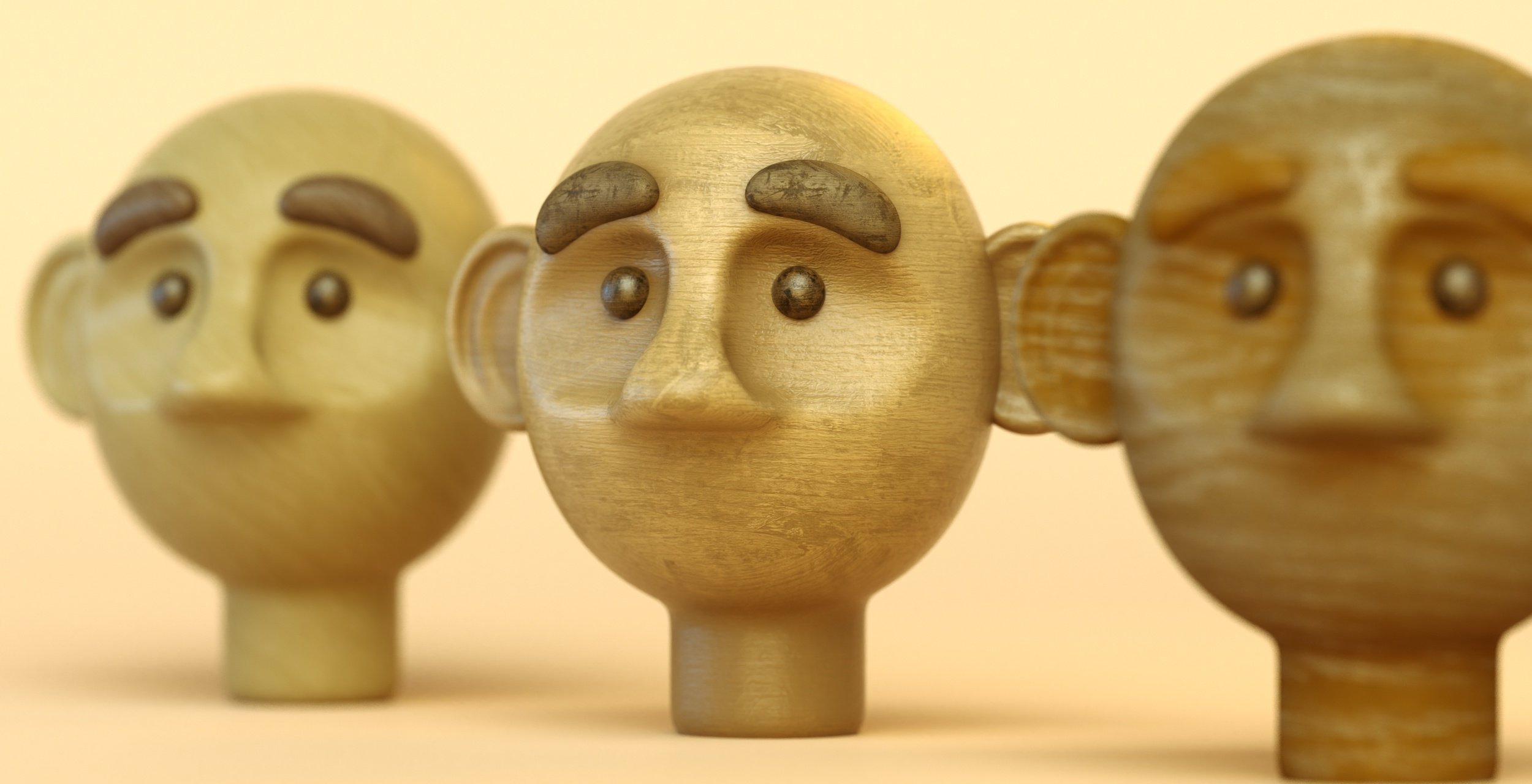
50 Wooden Materials, ready to drag & drop
With your Patata School subscription you’ll have access to our extensive library of hand-crafted wooden textures, ready to apply to your 3D project.
Use them in C4D
Use them in Blender
Use the entire library in Blender with drag & drop materials. We’ll teach you how to add them to your library so they’re ready to use whenever you need.
With 50+ customisable materials, you’ll have infinite possibilities to create anything you like!
This varied set of materials can be combined to add a realistic, craft-like feeling to your projects.
As well this premium downloadable collection we've also prepared a tutorial to show you how to apply these textures in C4D & Blender and some tricks for how to get the best results in your renders.

01 Timber Soft

02 Timber Dark

03 Timber Light

04 Timber Faded

05 Checkerboard Light

06 Checkerboard Dark

07 Checkerboard Cold

08 Drifwood A

09 Drifwood B

10 Drifwood C

11 Drifwood D

12 Drifwood E

13 Rough Wood Base

14 Rough Wood Dark

15 Oak Light

16 Oak Extra Light

17 Oak Dark

18 Oak Brown

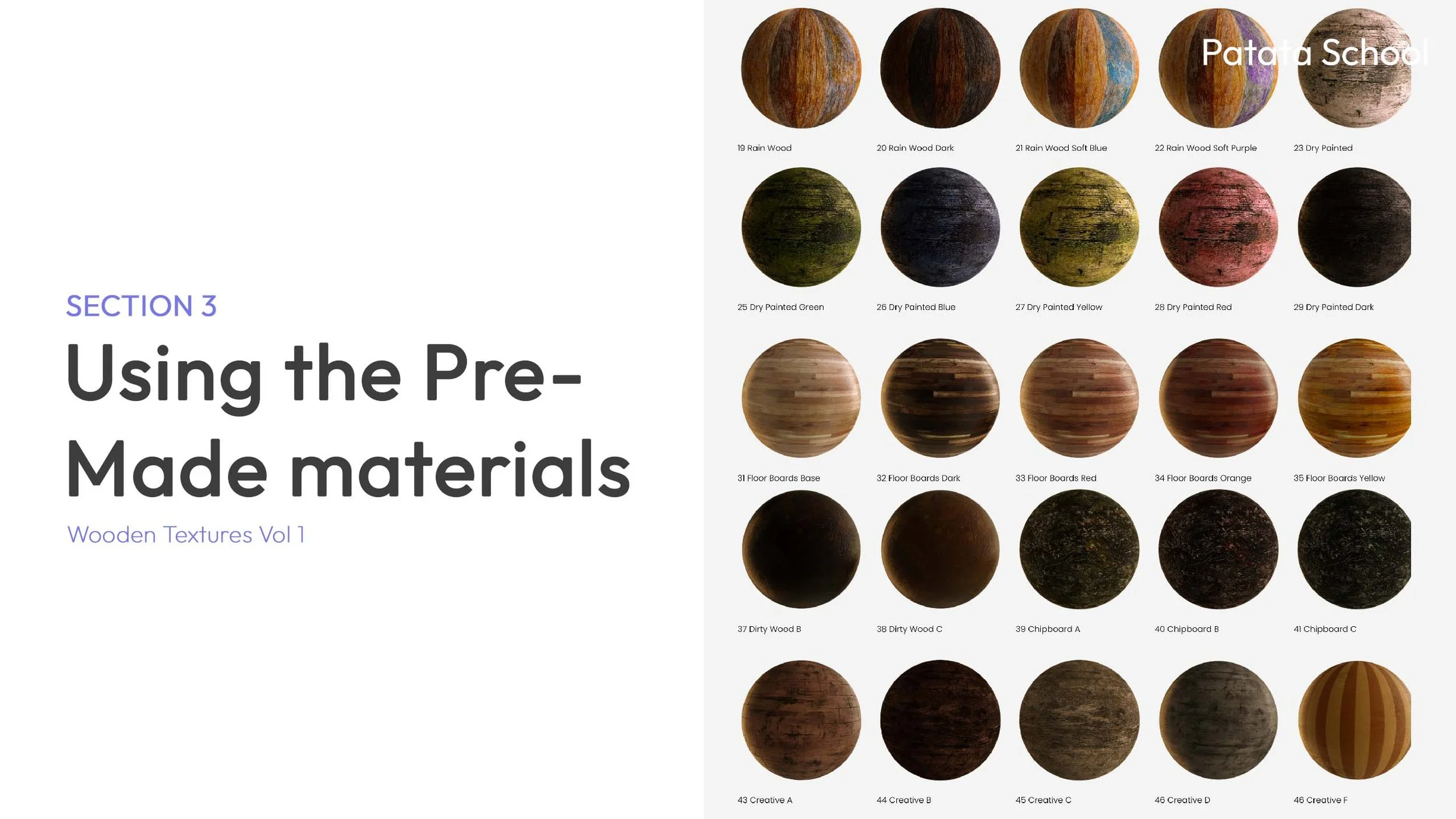
19 Rain Wood

20 Rain Wood Dark

21 Rain Wood Soft Blue

22 Rain Wood Soft Purple

23 Dry Painted

24 Dry Painted Pink

25 Dry Painted Green

26 Dry Painted Blue

27 Dry Painted Yellow

28 Dry Painted Red

29 Dry Painted Dark

30 Dry Painted White

31 Floor Boards Base

32 Floor Boards Dark

33 Floor Boards Red

34 Floor Boards Orange

35 Floor Boards Yellow

36 Dirty Wood A

37 Dirty Wood B

38 Dirty Wood C

39 Chipboard A

40 Chipboard B

41 Chipboard C

42 Chipboard D

43 Creative A

44 Creative B

45 Creative C

46 Creative D

46 Creative F

47 Creative E
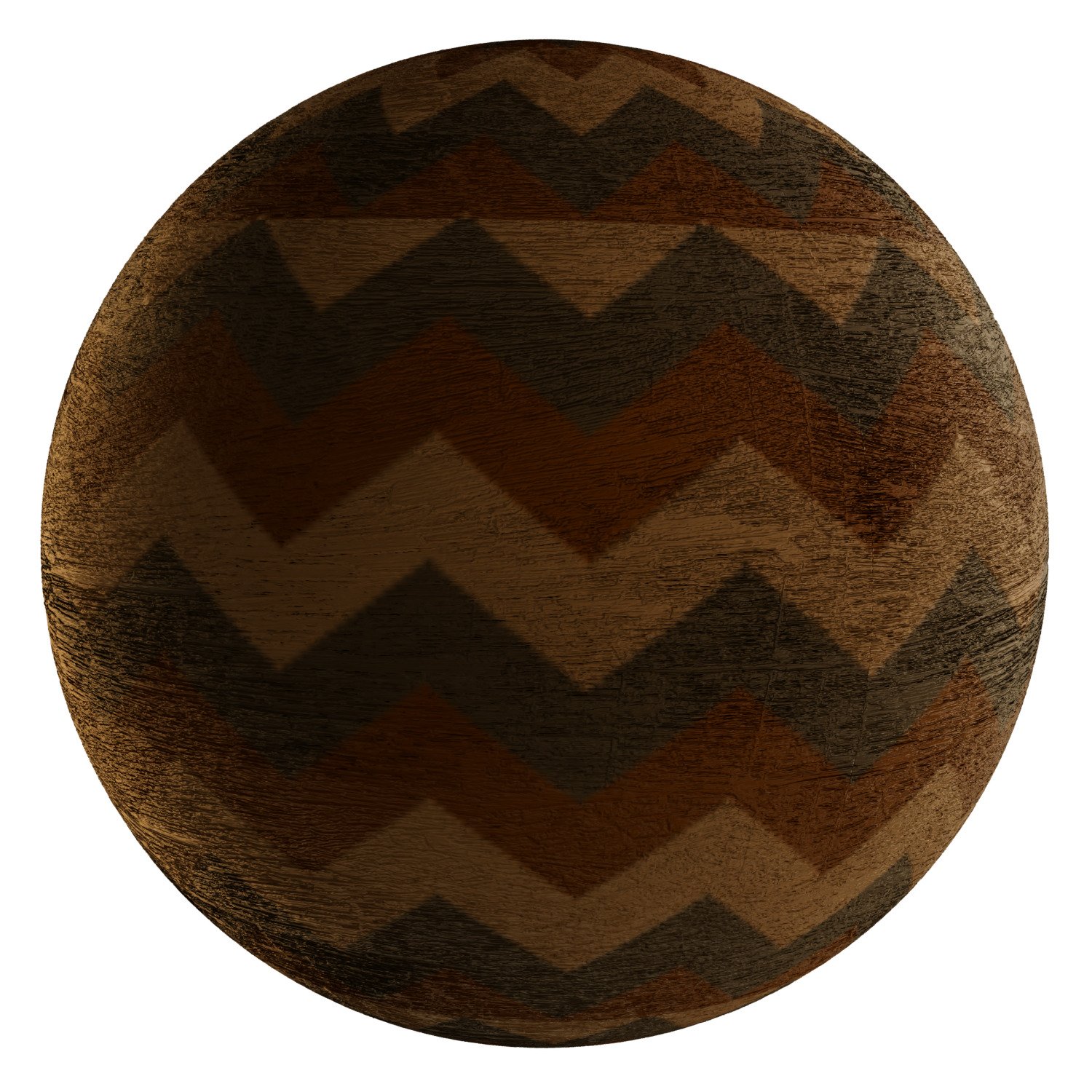
48 Creative G

49 Drifwood Col A

50 Drifwood Col B
-
![Book cover titled 'Introduction to the textures' with a subtitle 'Wooden Textures Collection Vol 1'. Contains a large circular image of a wooden surface with visible grain and cracks on a gray background.]()
Introduction to the Textures
-
![Cover slide for a presentation titled 'Using wooden textures in C4D + Octane,' featuring a wooden doll face sculpture on the right side.]()
Using Wooden Textures in C4D & Octane
-
![Book cover titled 'Mixing textures' with a subtitle 'Wooden Textures Collection Vol 1', featuring an image of various wooden textures in blue, brown, and grey tones on the right.]()
Mixing Textures
-
![A page from a woodworking catalog showing various pre-made textures and finishes for wood materials, including painted, stained, and textured wood spheres and baseboards, with section heading 'Using the Pre-Made materials'.]()
Using the Pre-Made Materials

-

Learn about the material library and its use in Blender.
-

A step-by-step guide on how to install the library to your project.