

Paintify, Digital Paint for Blender
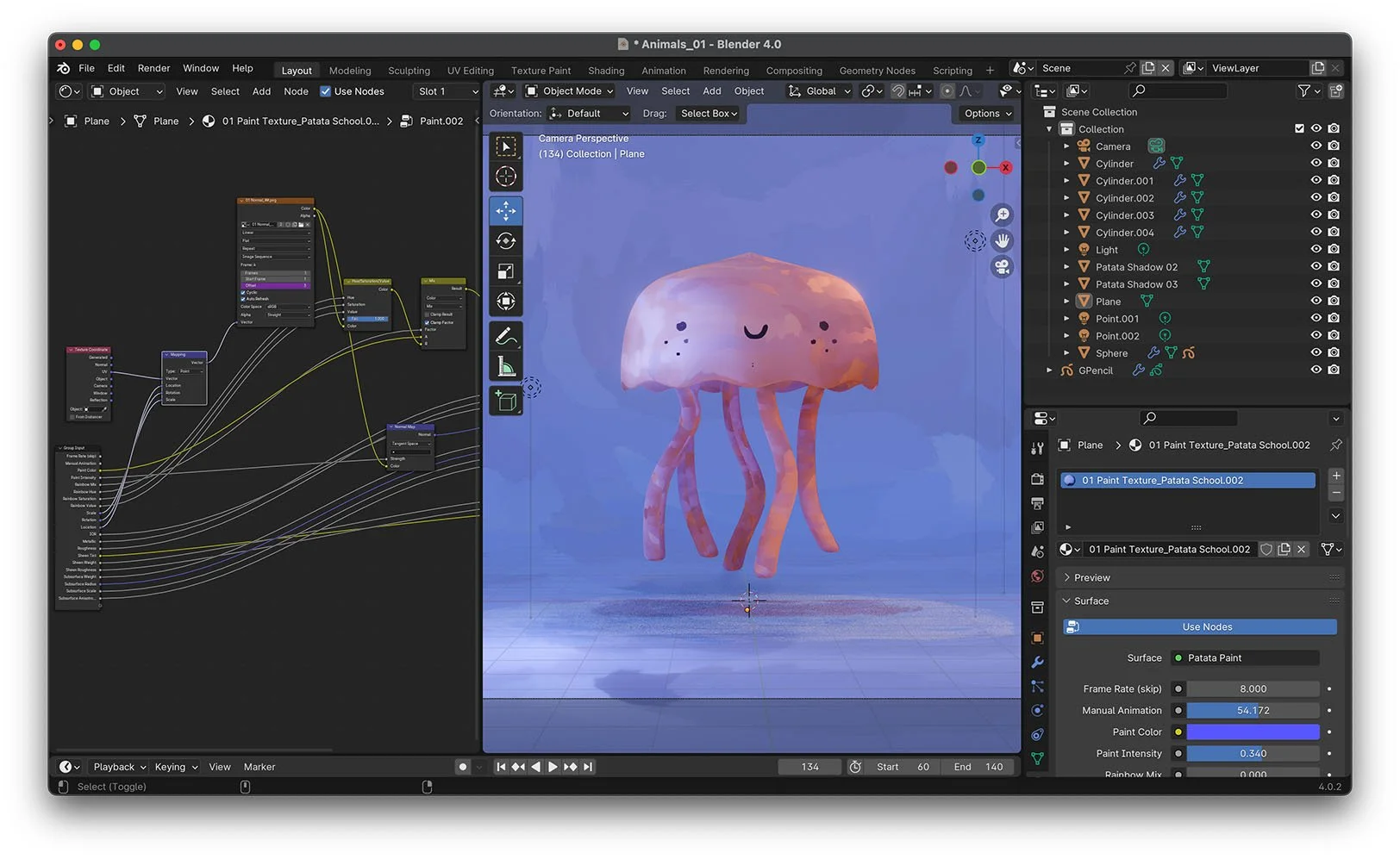
This handmade shader gives a unique painterly effect to any 3D model. Coupled with our collection of animated shadows, we give a hand-crafted and tactile feeling to any Blender creation, working live in Eevee or Cycles.

This Paintify set is available exclusively to Patata School members and includes a course explaining all the features in depth and how to achieve the best results, sample scene downloads, and the opportunity to ask questions and glean feedback from the creators.

Paint Presets
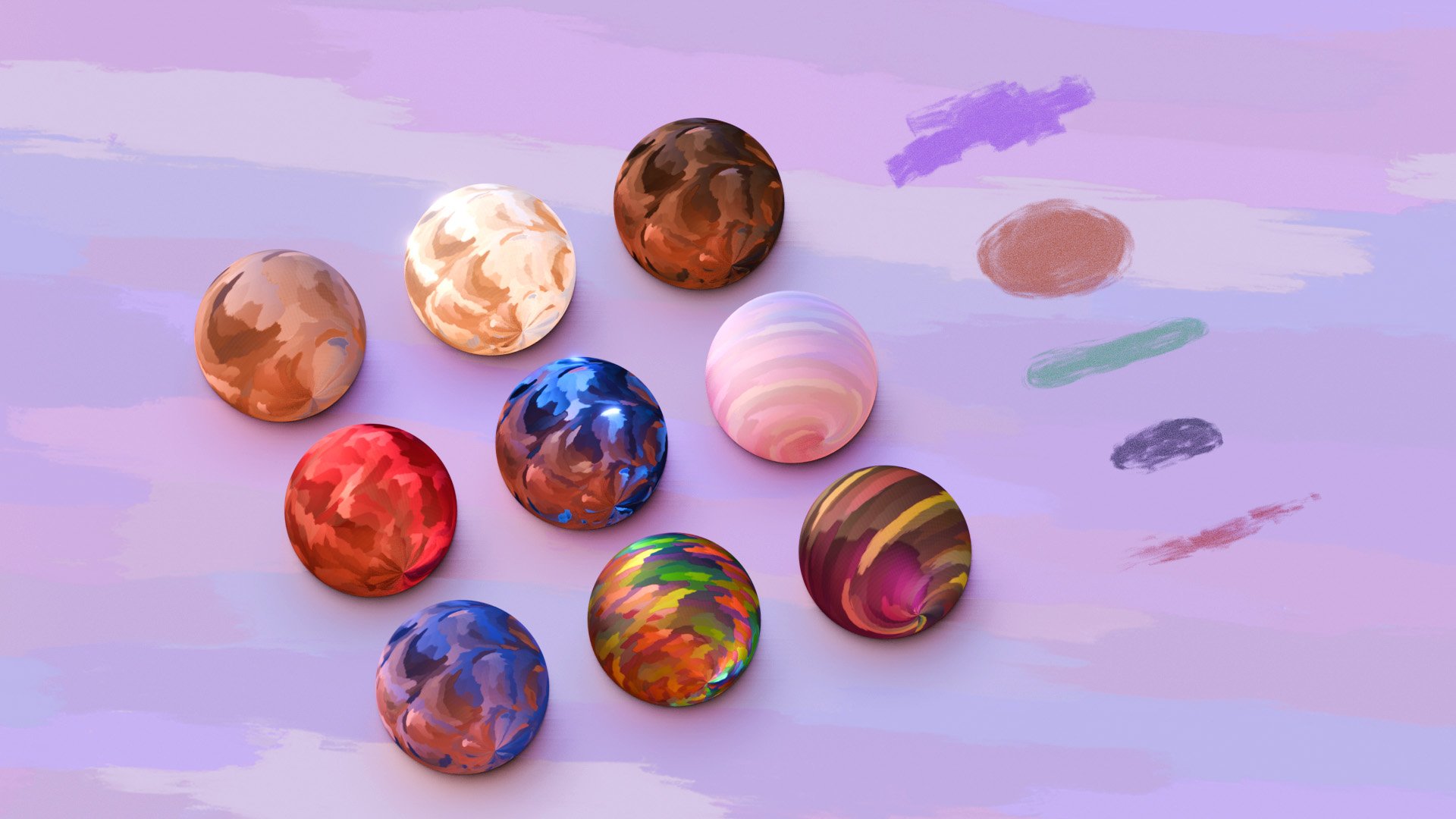
While the Paintify set is completely modifiable, we have also created 9 Paint Presets and 5 Shadow Presets to help you get started. We also explain how you can adjust them as you wish to create your own unique paint.
Once downloaded, you can easily access the Paintify set through Blender's Asset Browser so they're easily accessible when creating your own scene.

How to Use
We wanted this Paintify set to be as intuitive and user-friendly as possible. Simply position our .blend file into your Assets directory and all the effects will be ready for you to use on any Blender project. As simple as that!
Paintify is highly customisable, allowing for infinite variations across different features all with easy-to-use controllers helping you to achieve unique and previously unseen results
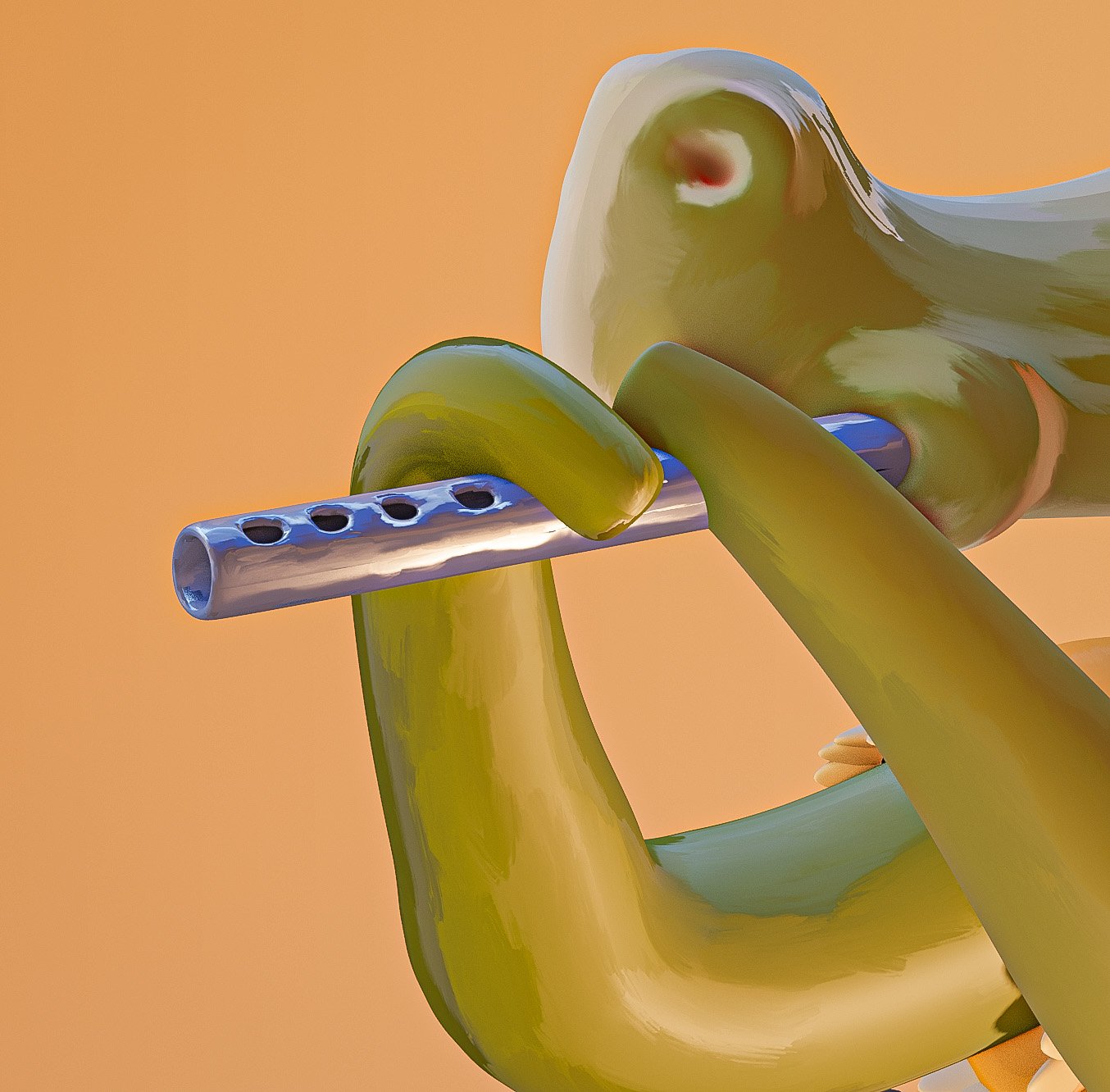
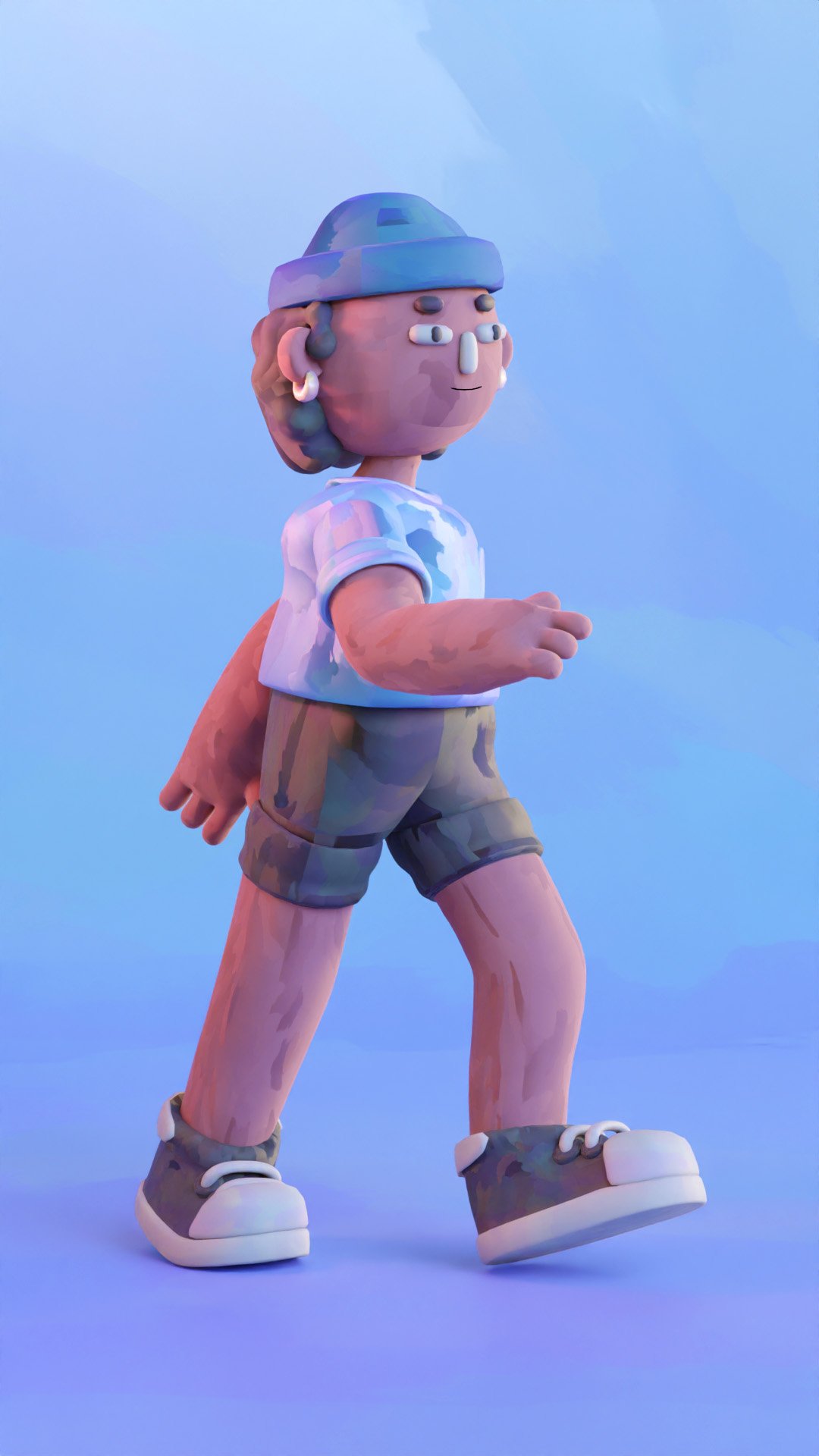
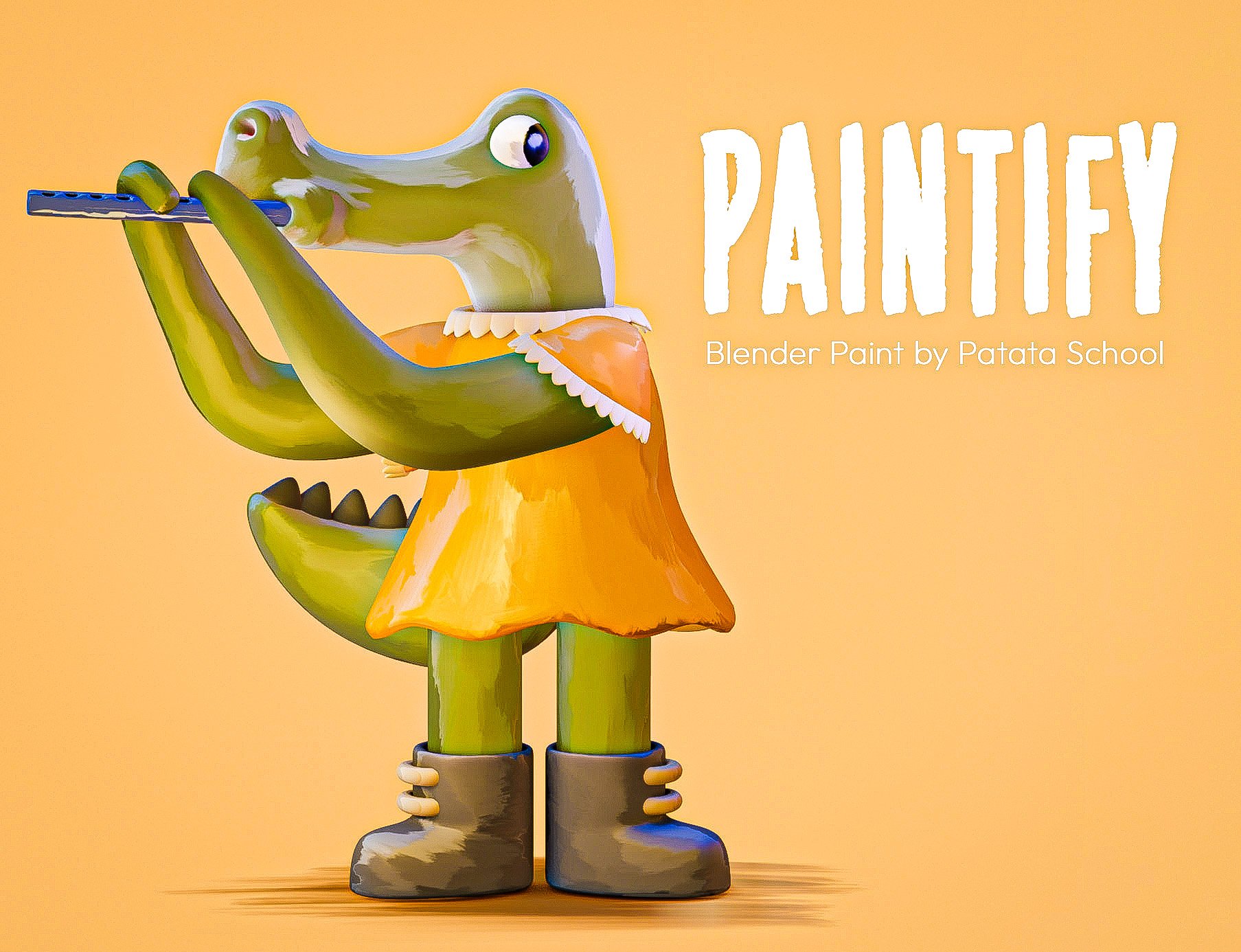
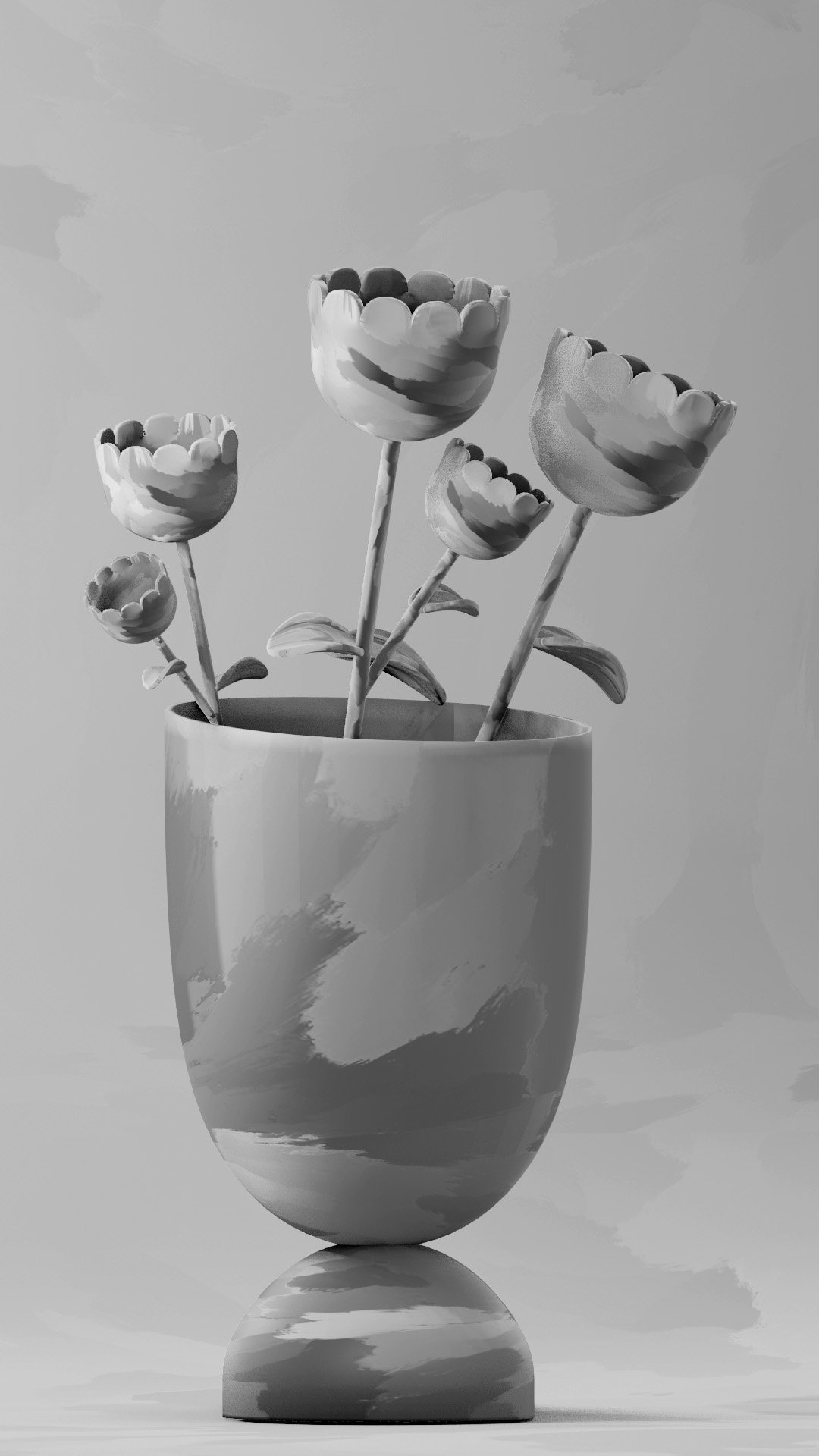
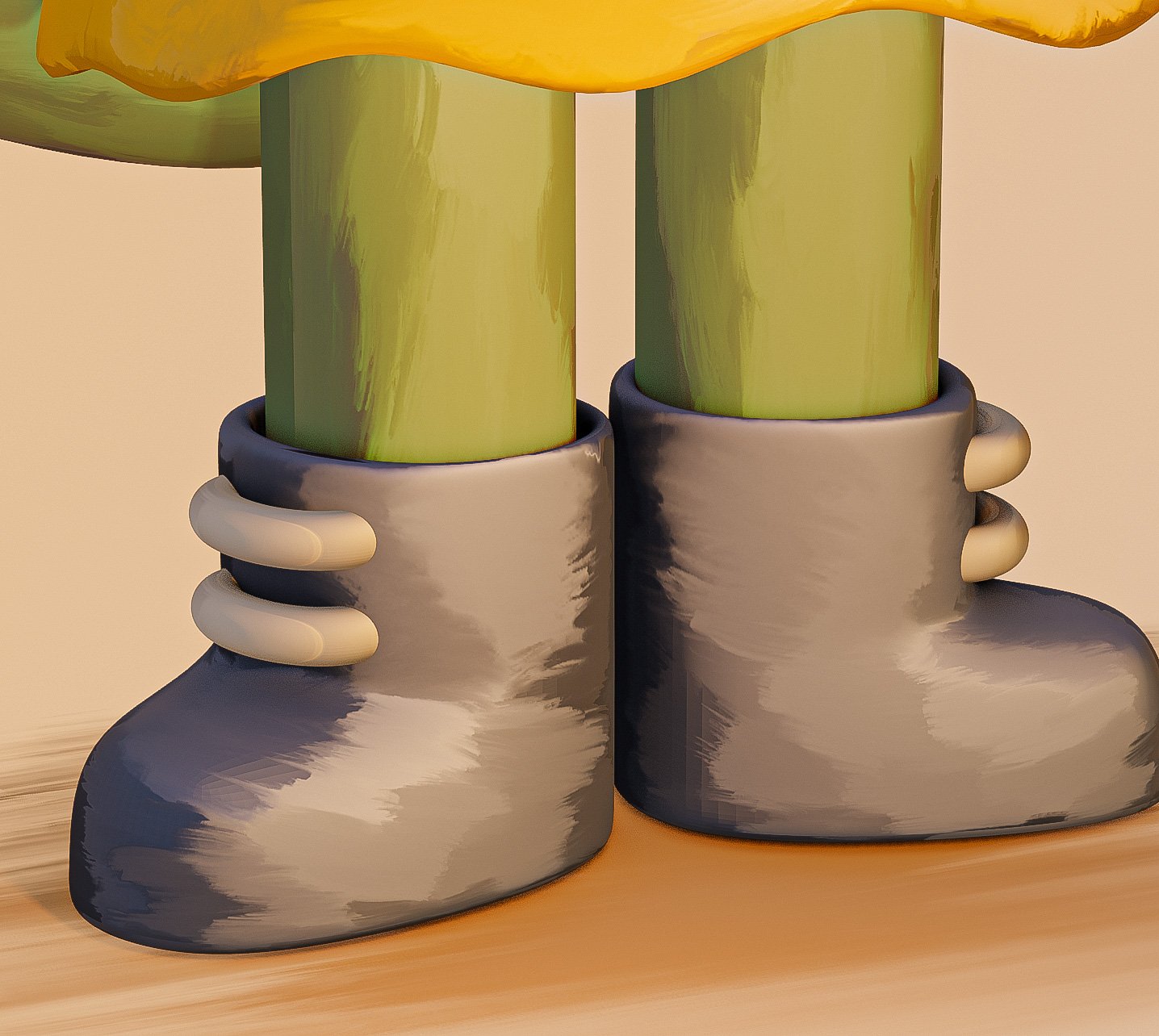

Some of our Favourite Features...
- Choose between paint colour, secondary colour and multi colour effects
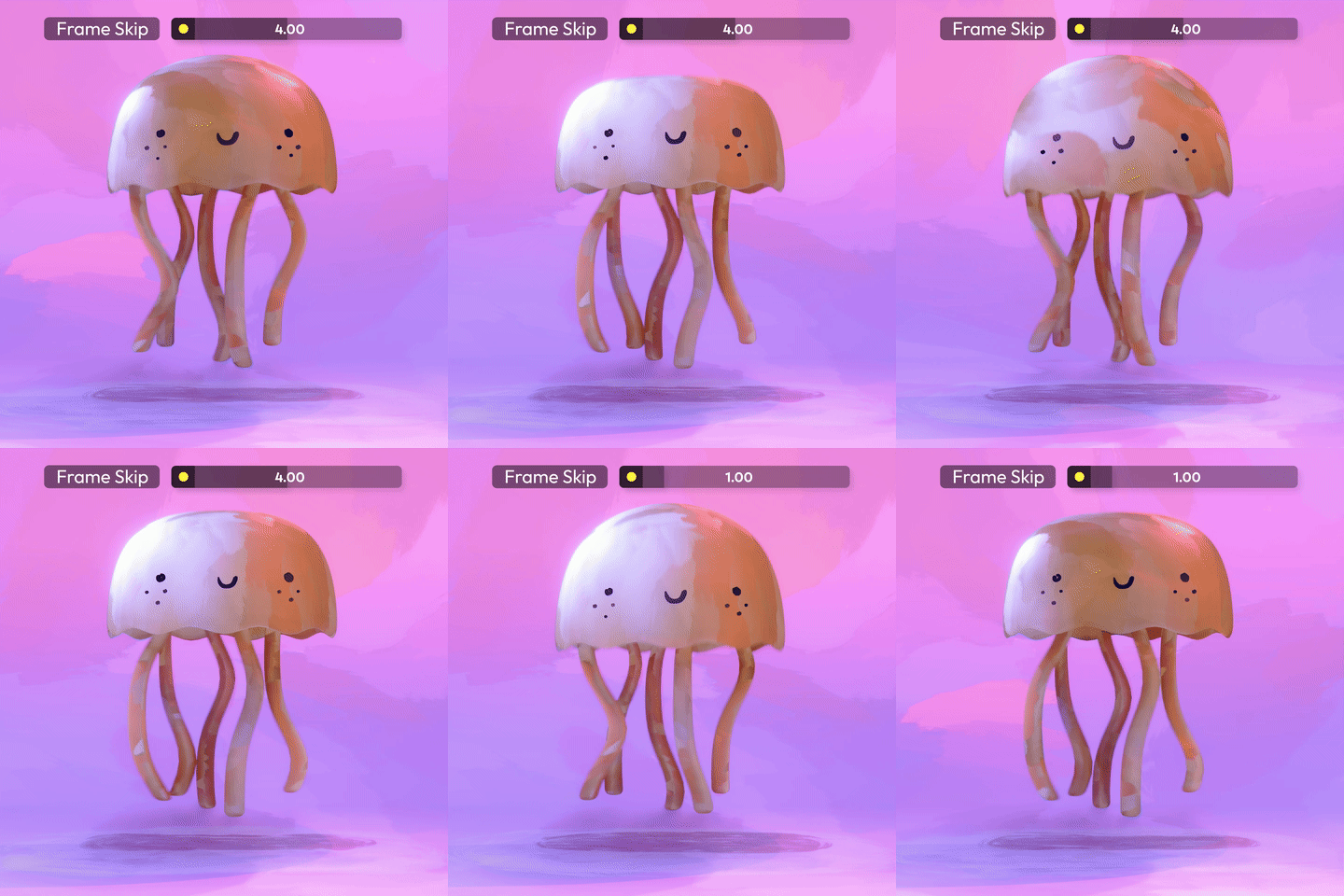
- Control Animation Speed with an easy Frame Skip Slider
- Work Live on the scene using Eevee Render or Cycles for Blender (works with all Blender versions from Blender 3.2+ ( 3.2, 3.3, 3.4, 3.5, 3.6, 4.0)
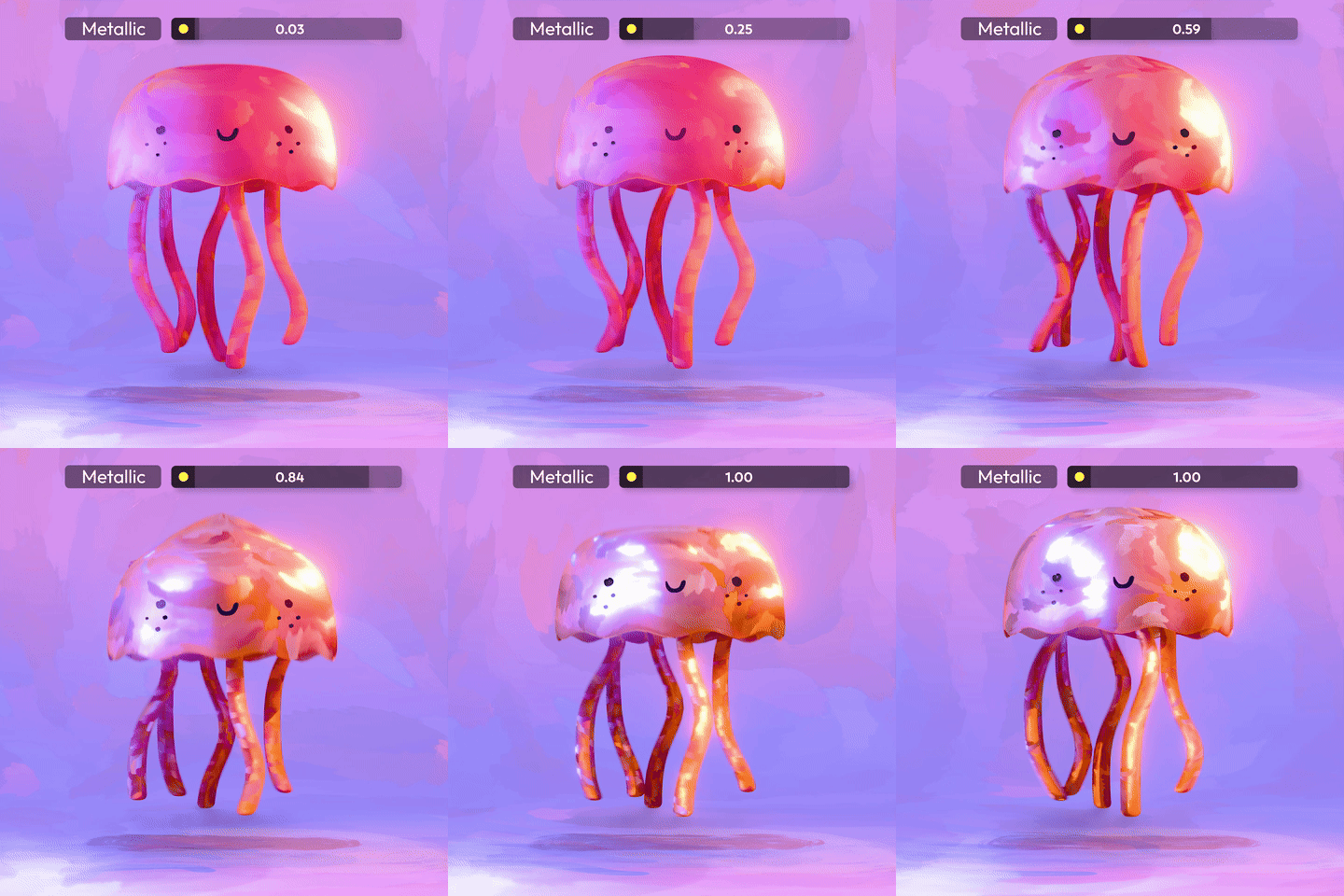
- Use metallic effects to make your texture appear like shiny paint
- Control scale, rotation and position of paint effects until you get just the look you want
- Paintify works with Subsurface Scattering for amazing translucent paint effects

A library of Shadows
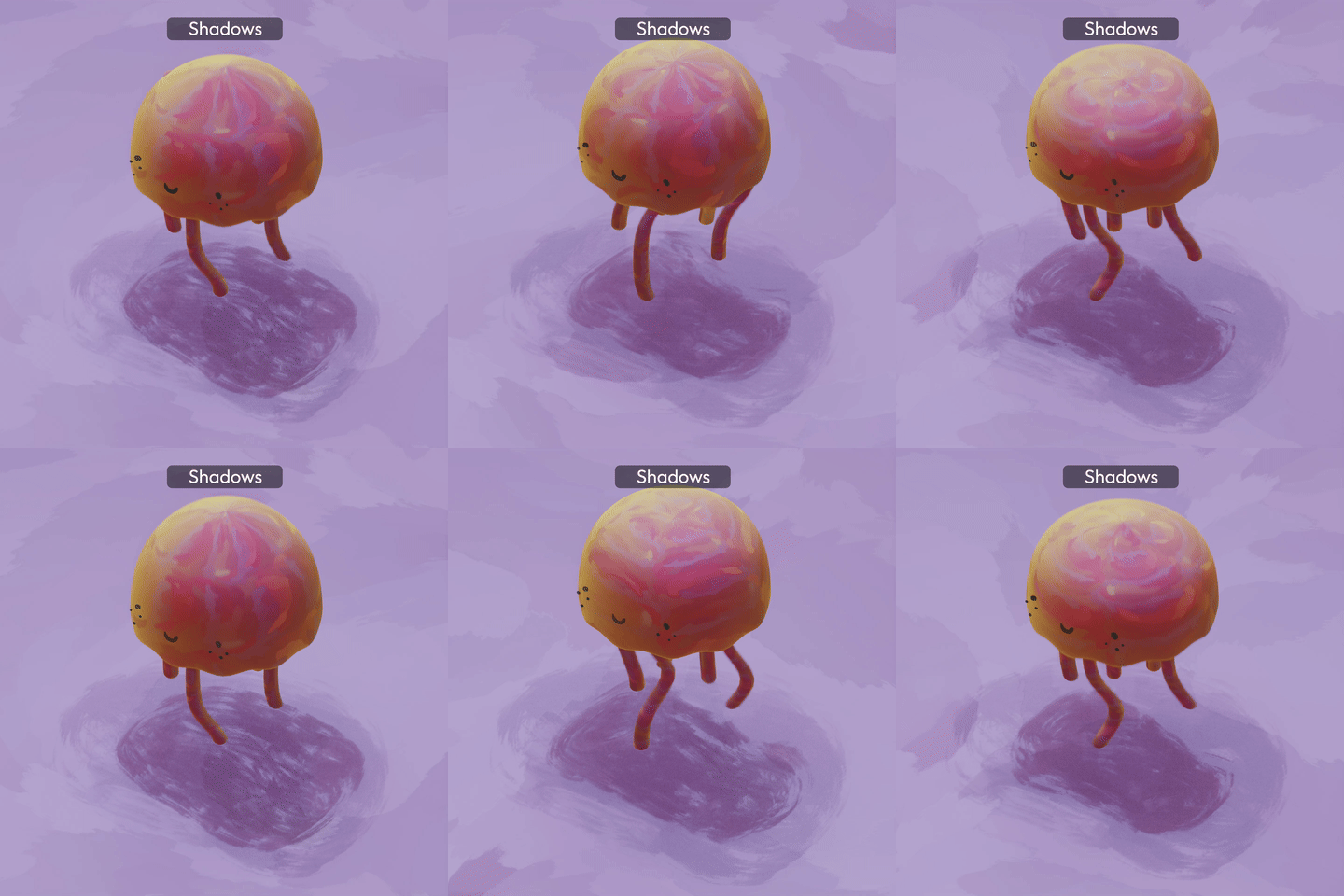
Paintify also includes a library of 5 fully customisable shadows available to drag and drop into any position and adjusted to create whatever effect you want. Features of the shadows include:
- Shadow opacity
- Shadow border intensity
- Shadow colour
- Fully animated with speed control
- Long, round, soft and sharp shadows
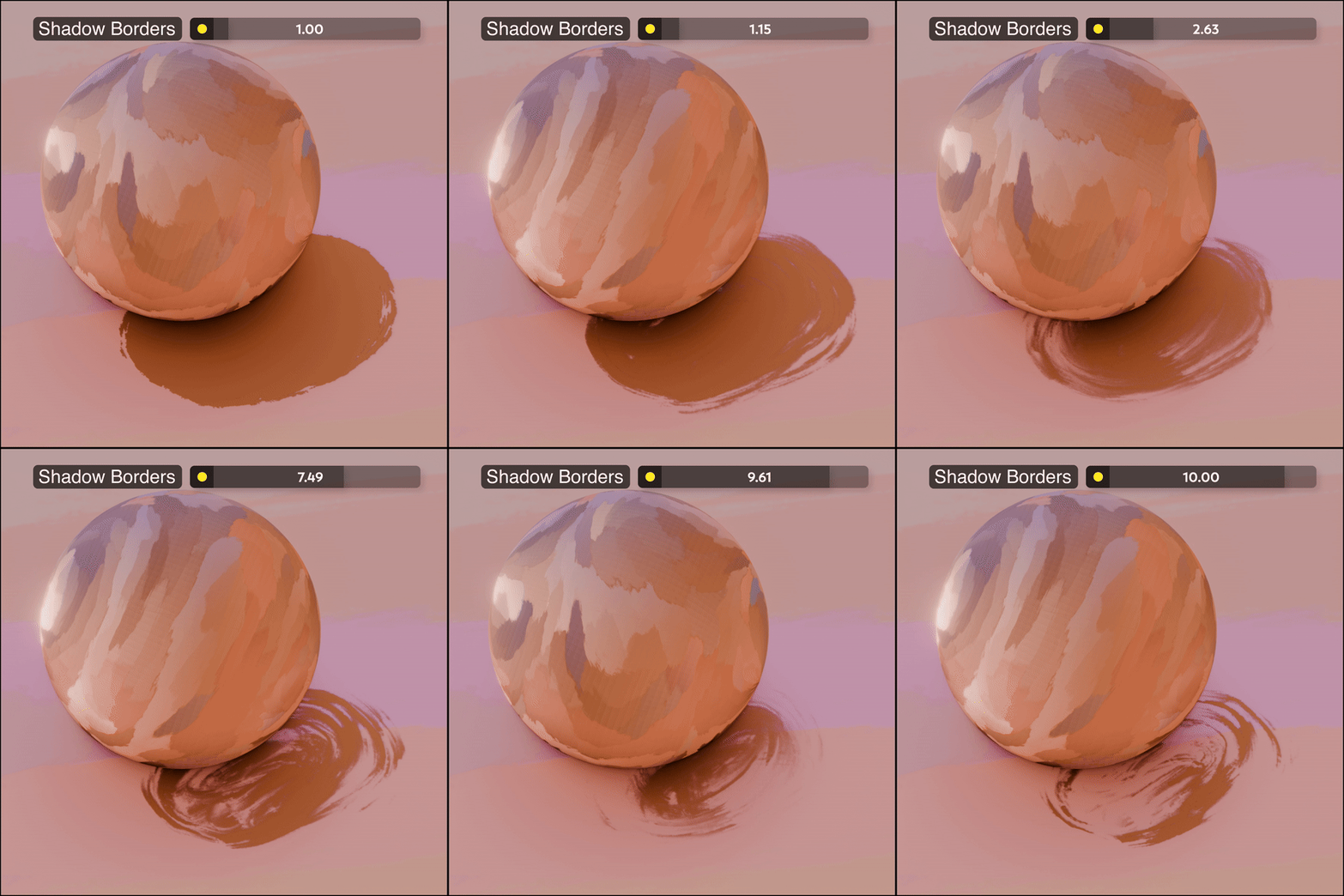
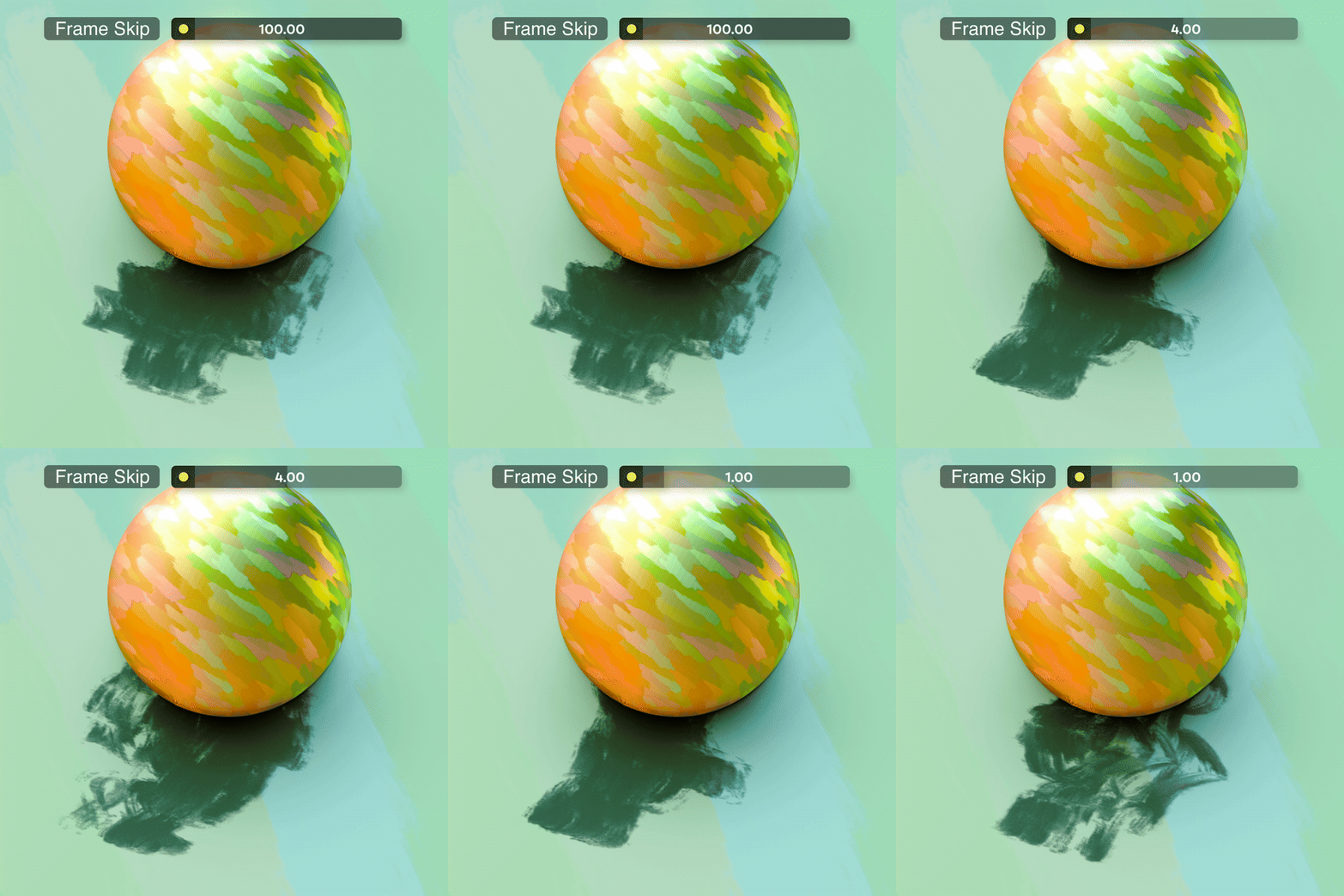
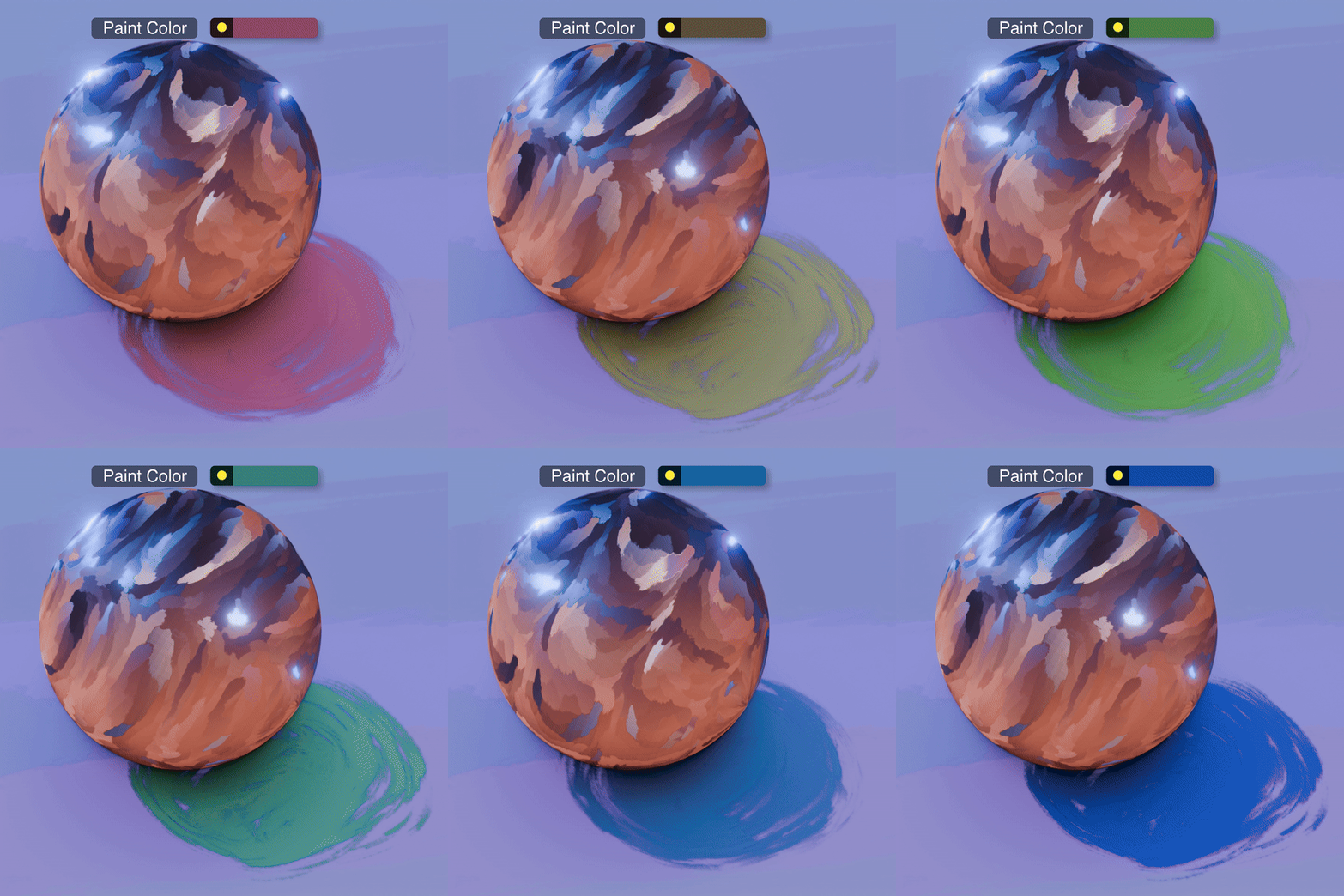
Bonus!
As a bonus feature of Paintify, we're offering sample Blender files for you to download and explore to help with learning and understanding the Paintify collection.