

Rig Anything in Blender
Learn to rig anything in Blender, an amazing free open-source software.
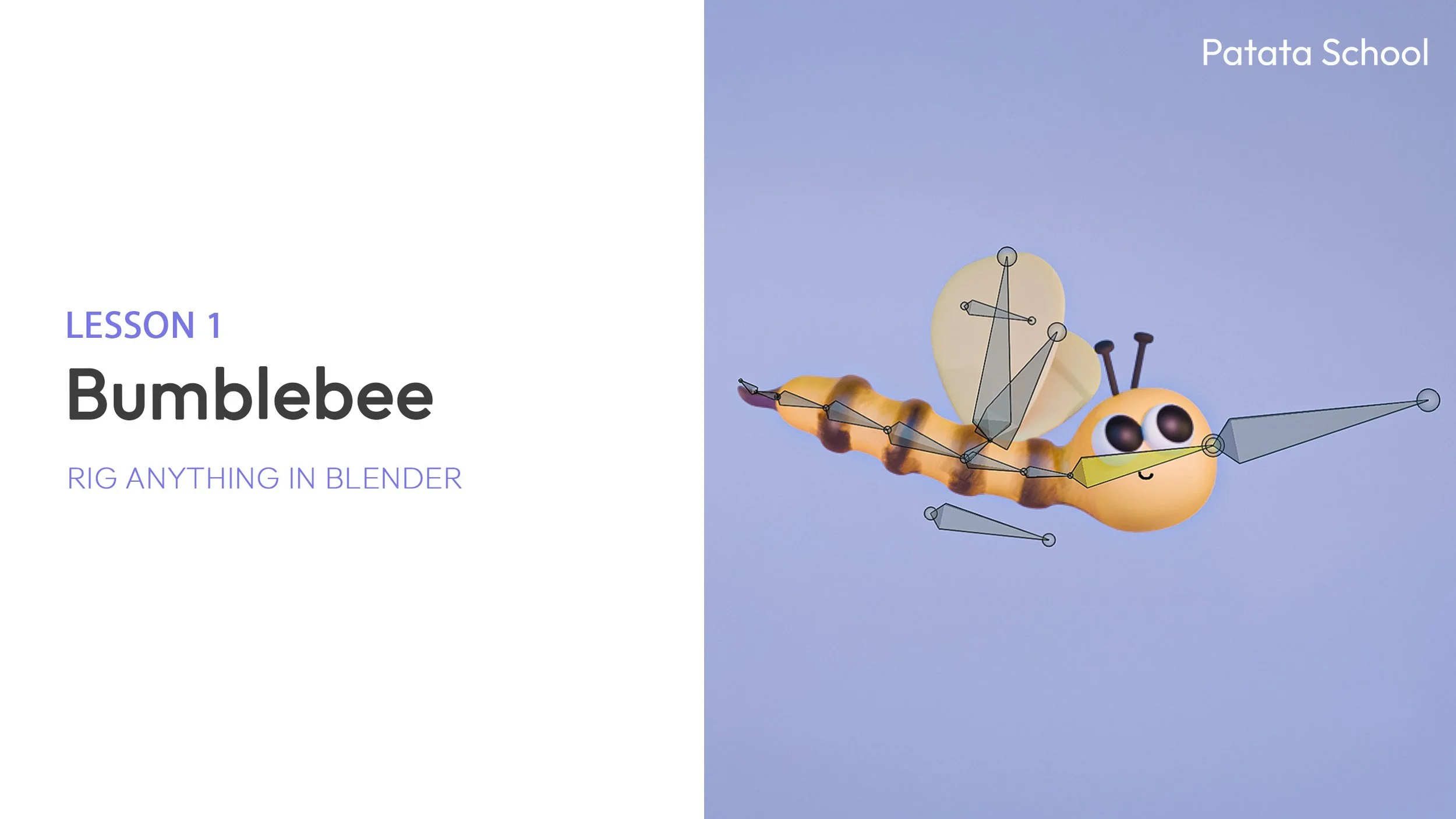
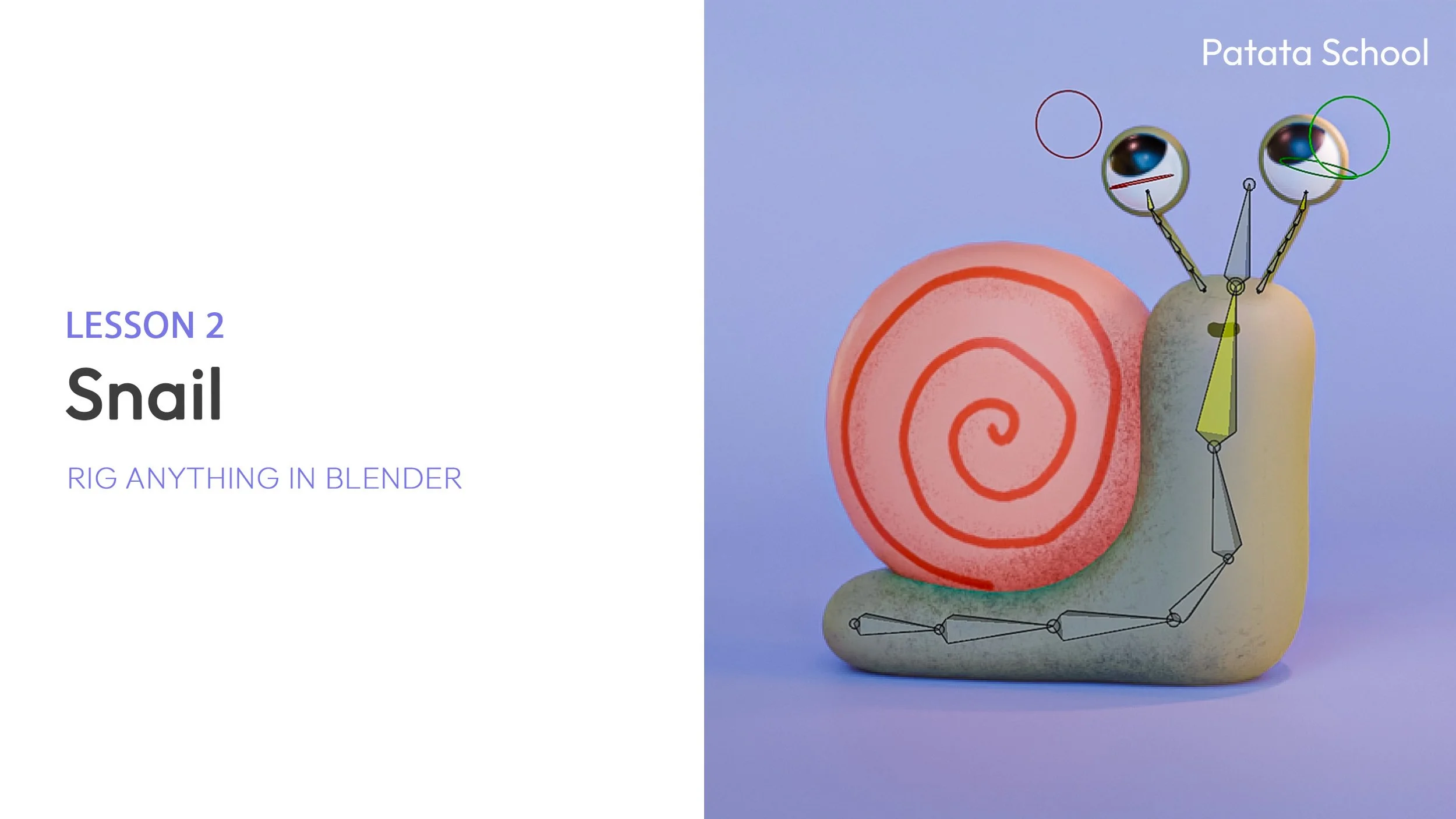
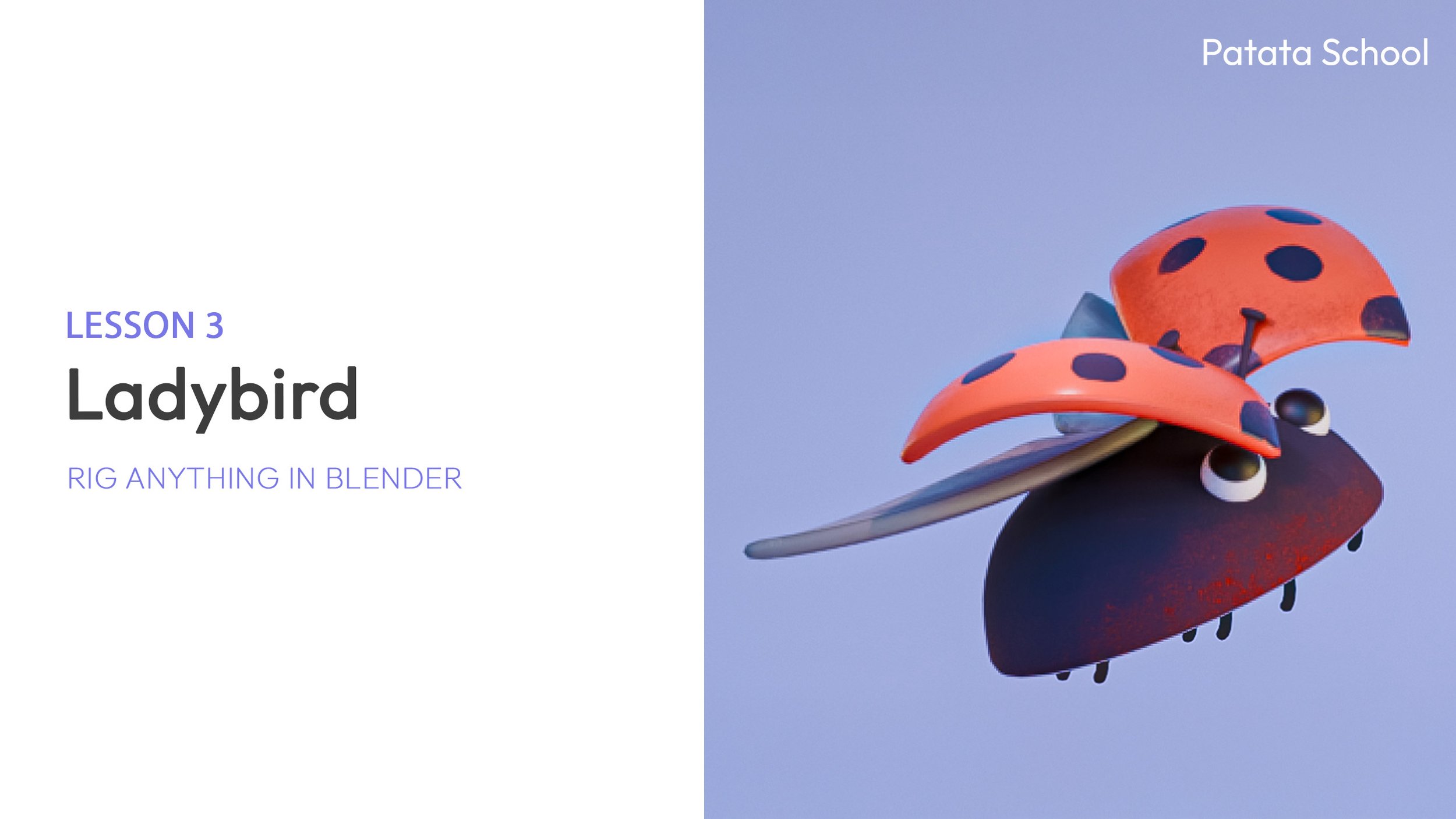
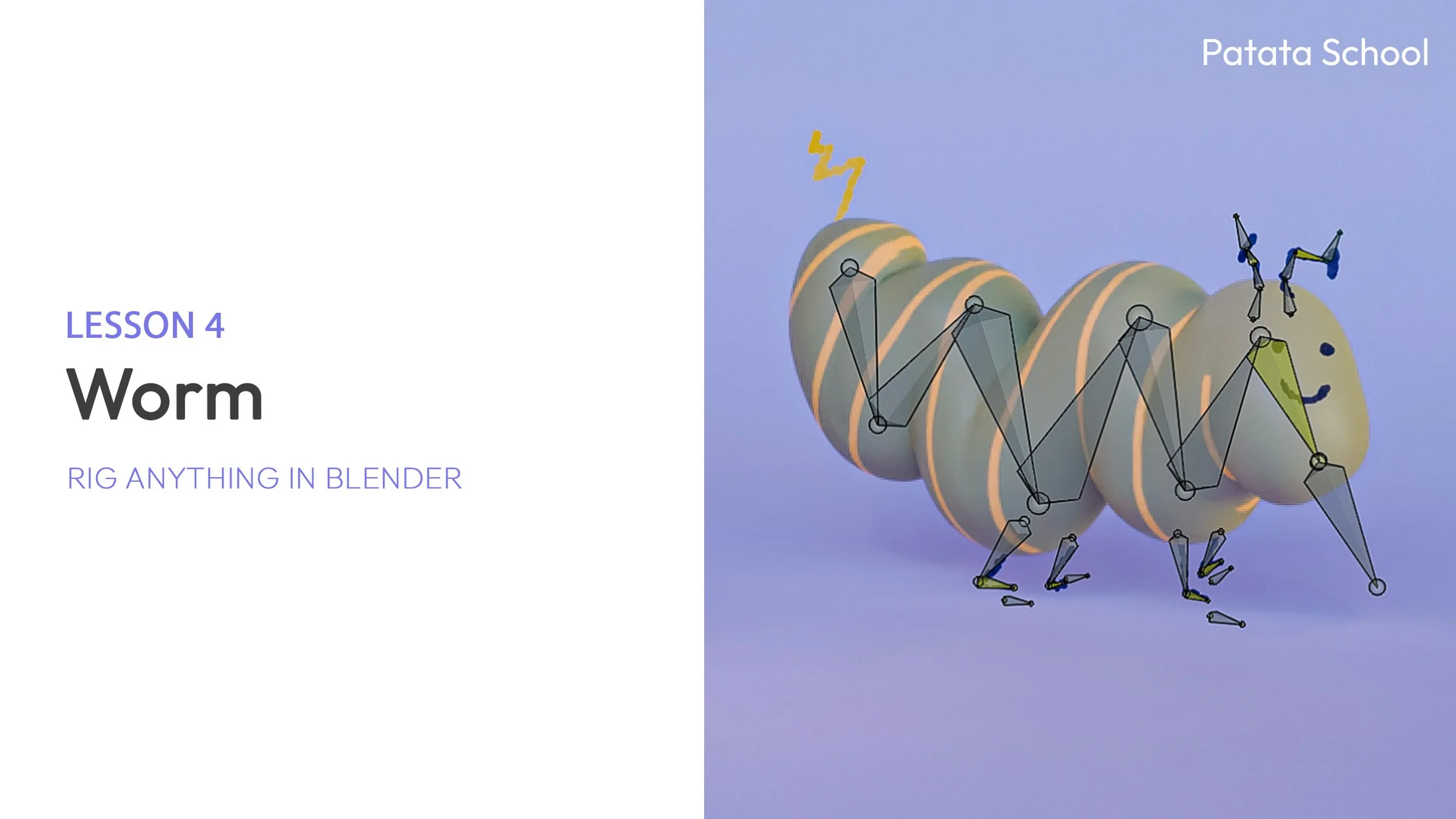
We’ll cover the entire process of for each of the 4 characters, starting from a cube and finishing with a rigged character.
No auto-rigs here; we'll work from scratch, adapting to whatever character you can imagine.
As always, we work step by step in short, direct lessons, with tips and tricks along the way and including theory to apply to your characters.

This course will cover the following:
- Modelling the characters
- Rigging the body from scratch
- Use Inverse Kinematics for animation
- Create your own eye rig
- Use Shape Keys for complex movements
- Incorporate Grease Pencil into your rig to get a unique look mixing 2D and 3D


As always, we explain the theory behind each process so you'll fully understand the steps to create your own characters.