

Mastering Lighting

Make better renders in Blender

Want to improve your 3D renders to get a more professional finish? Or understand more about photography and lighting, and how they relate to digital art?


This course covers the theory of lighting, analysing varied examples through different mediums to help you better understand the artistic decisions behind your favourite artworks.

Then we’ll jump into Blender for a practical, step-by-step example. We’ll show you the behind-the-scenes of our 3D renders and show you how to achieve the same great results.

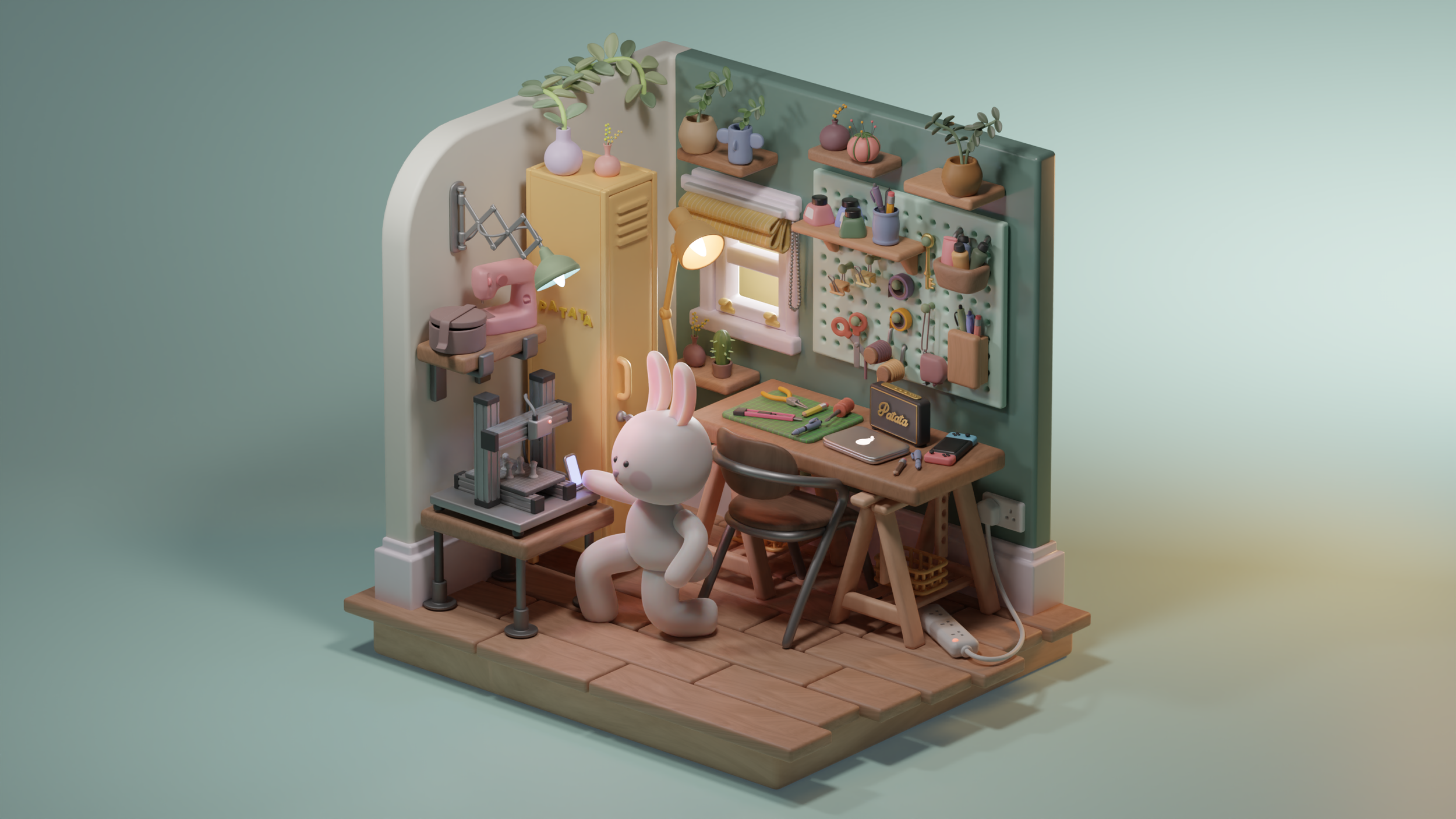
You'll even be provided with this sample 3D file so you can follow along easily and practice with your own project.

 

You’ll learn how to make better 3D renders in Blender, with a strong basis of knowledge in lighting & photography

What’s in the course:
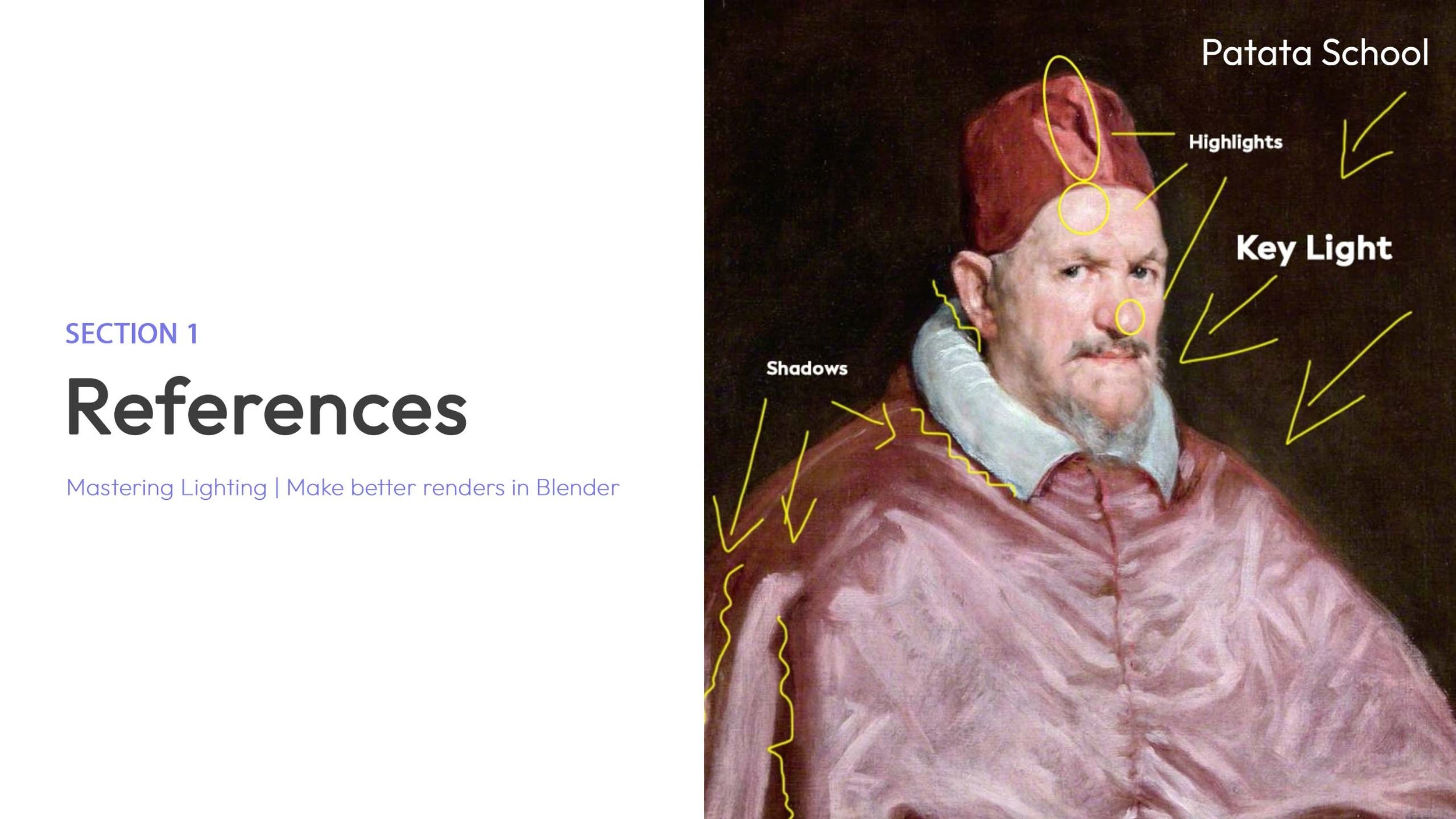
  • A painting of a man dressed in historical clothing with annotations pointing to highlights, key light, shadows, and a headpiece labeled "Patata School."
  • Title slide of a presentation with the text 'Types of Light' and 'Mastering Lighting | Make better renders in Blender,' featuring a graphic of a light beam with dashed lines and a sphere, representing light and shading.
  • Split screen showing a presentation slide on the left with the title 'Experimenting with lenses' and a background image on the right featuring a toy workshop with miniature bottles, a container with pens, and various pretend tools and objects.
  • Presentation slide titled 'Building our composition' with subtitle 'Mastering Lighting | Make better renders in Blender'. The right side features a 3D animated scene of a character with multiple limbs, standing on a pink base, surrounded by shelves, jars, and a ladder, in a creative, stylized environment.
  • A presentation slide titled 'Section 2: Analyzing the scene' with a subtitle 'Mastering Lighting | Make better renders in Blender' on the left. On the right, a screenshot of a 3D modeling software interface with various modeling tools and a 3D scene of a workspace with a desk, potted plants, and tools.
  • Cover slide of a presentation titled 'Building the lighting' by Patata School, featuring a cozy, well-decorated workspace with shelves of plants and art supplies, a small sewing machine, and a stuffed bunny behind a desk with art tools.
  • Slide from a presentation titled 'Exploring the lens' with a subtitle 'Mastering Lighting | Make better renders in Blender' and an image of a 3D rendered bunny-shaped lamp, a calculator, some pens, and a potted cactus plant on a wooden table.
A 3D animated scene of a cartoonish animal character, resembling a white bunny, sitting at a wooden desk in a cozy, colorful room. The room features shelving with folded fabrics, a small lamp, potted plants, and various household items.

The course includes access to an entire library of objects that you’ll be able to use in your own scenes.

Get access to this tutorial and so much more with your Patata School membership.