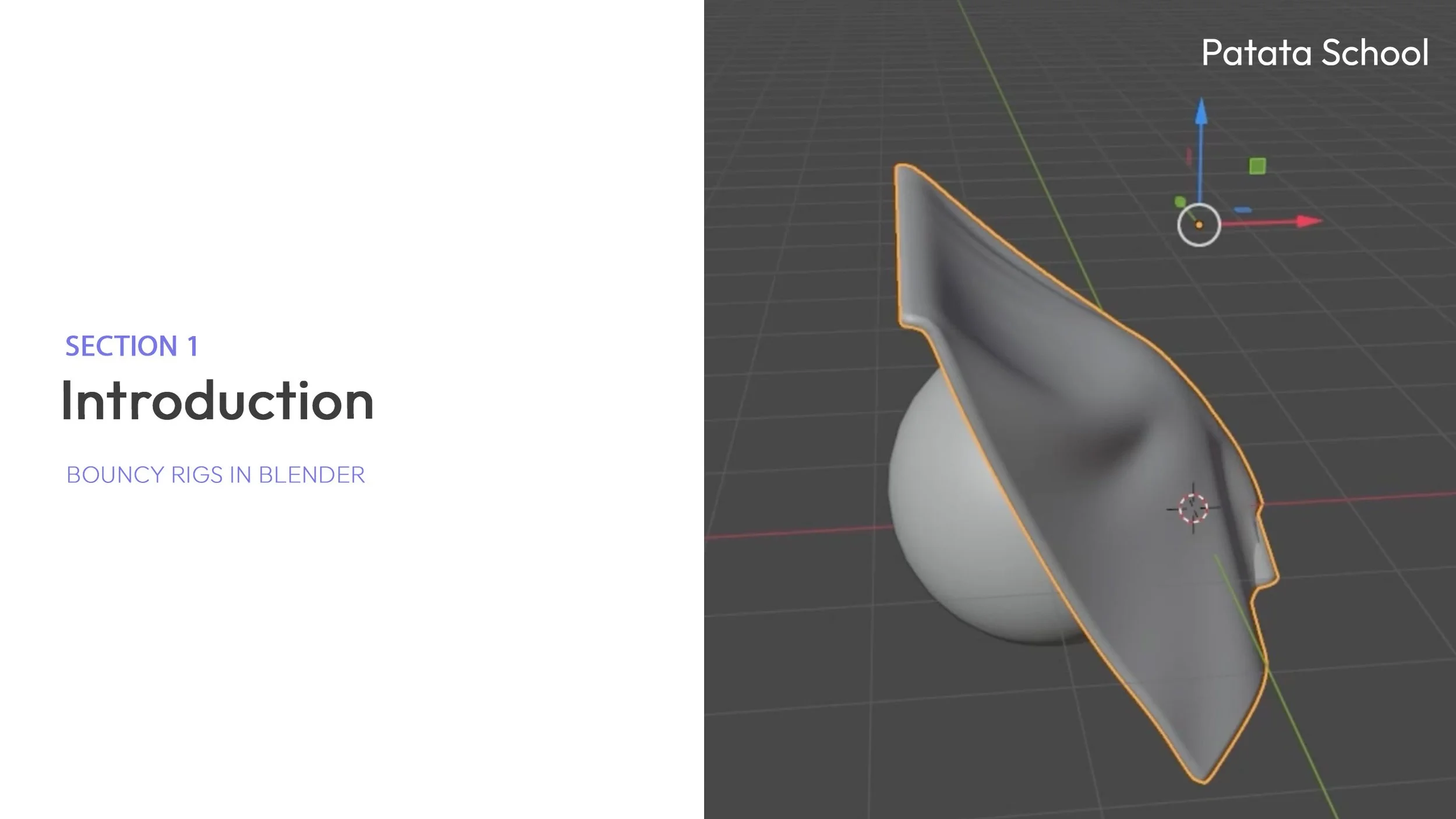


Bouncy Rigs in Blender
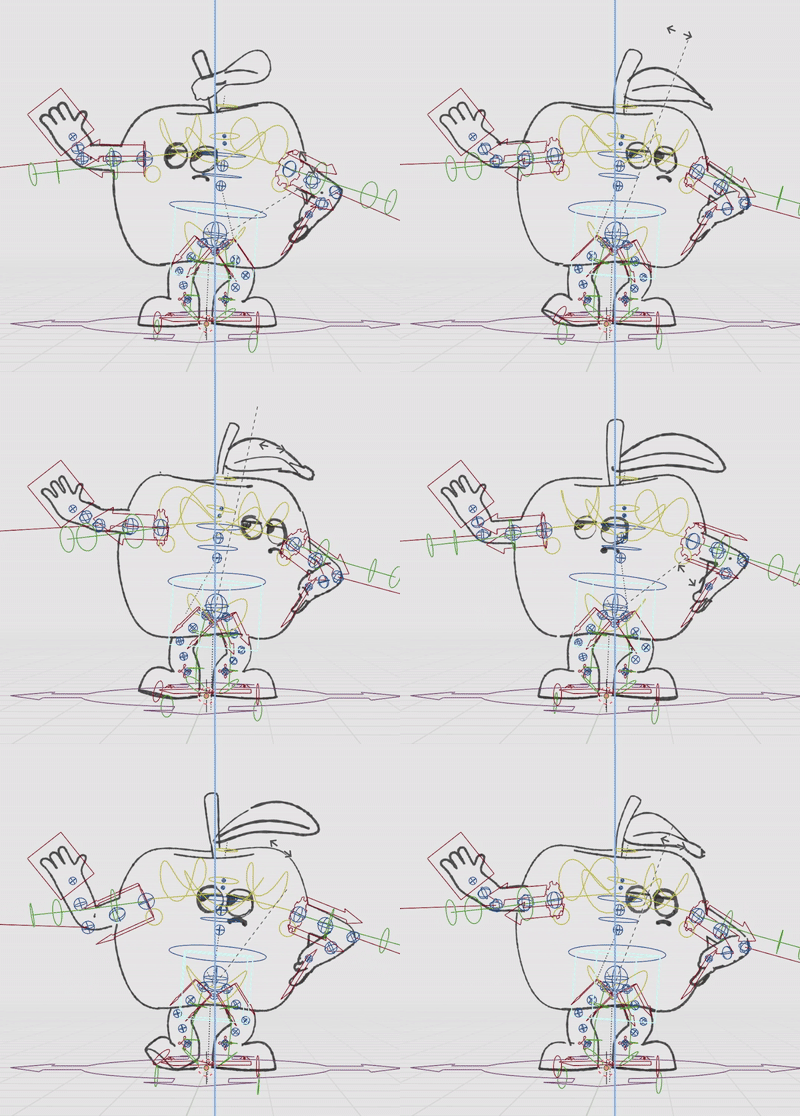
Add extra personality and animation to every character you make with bouncy elements in your rigs!
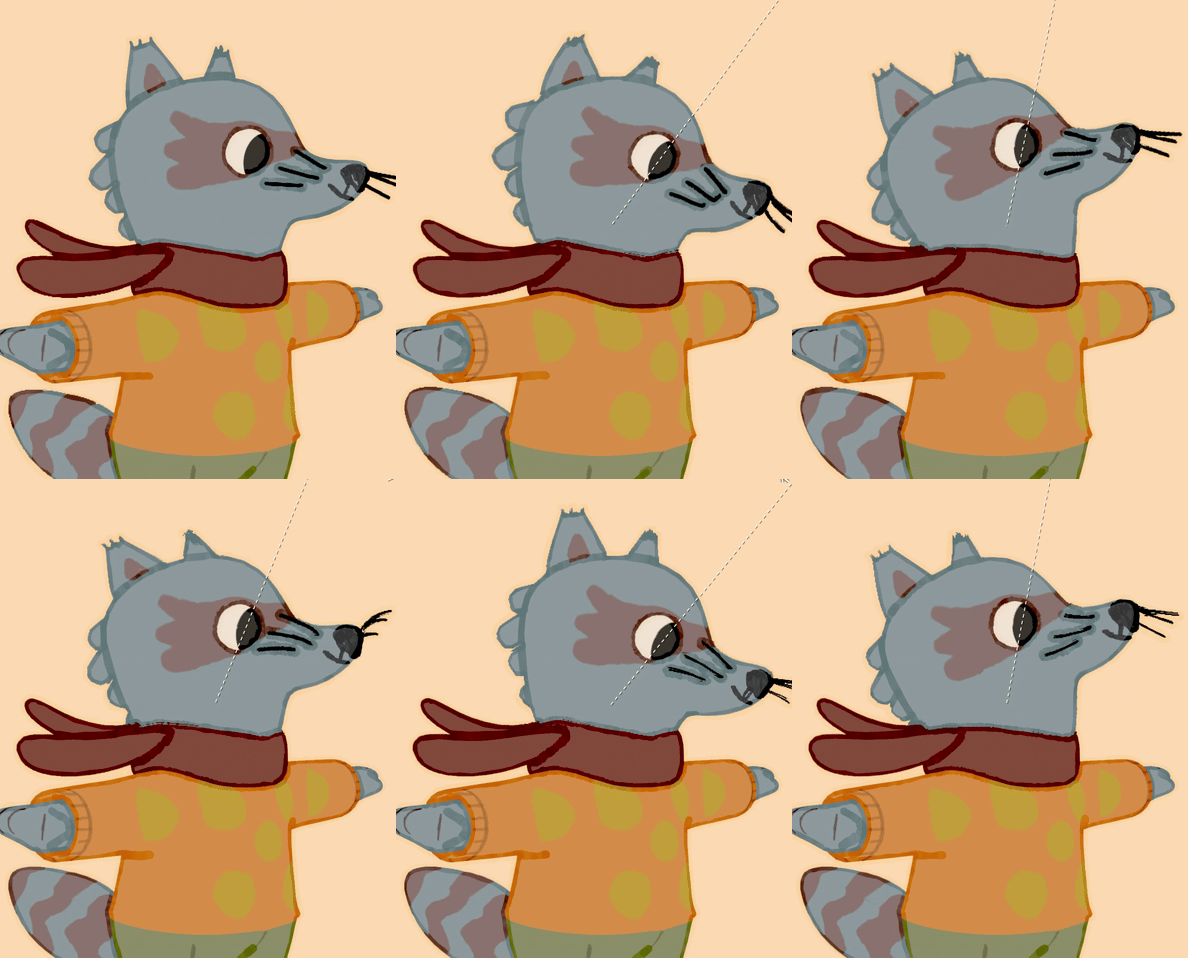
This course teaches you to integrate bouncy, secondary motion into your rigs. This technique can be applied to any character element—such as hairstyles, tails, whiskers, or antennae—to inject natural, appealing physics into your animations.
By the end of the course, you will have the confidence to build custom rigs that move beyond basic movement and truly capture attention.
Course Highlights 💡
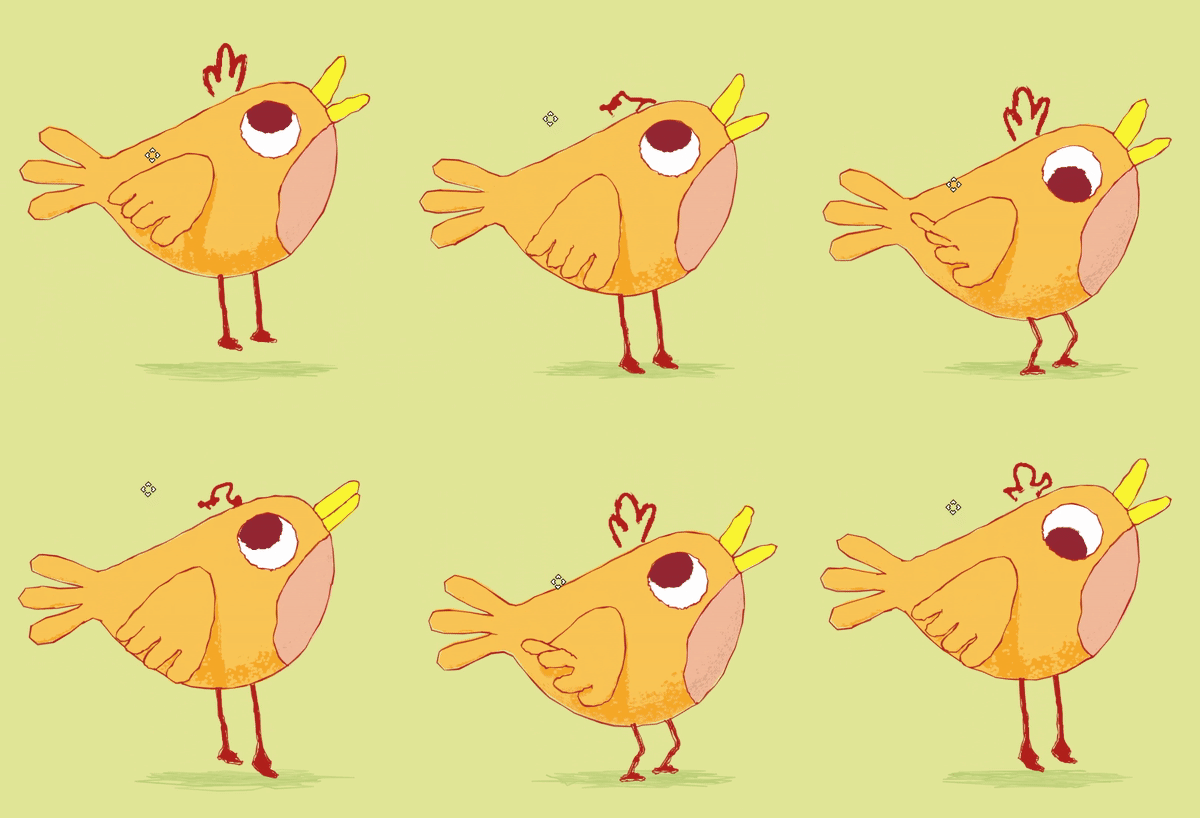
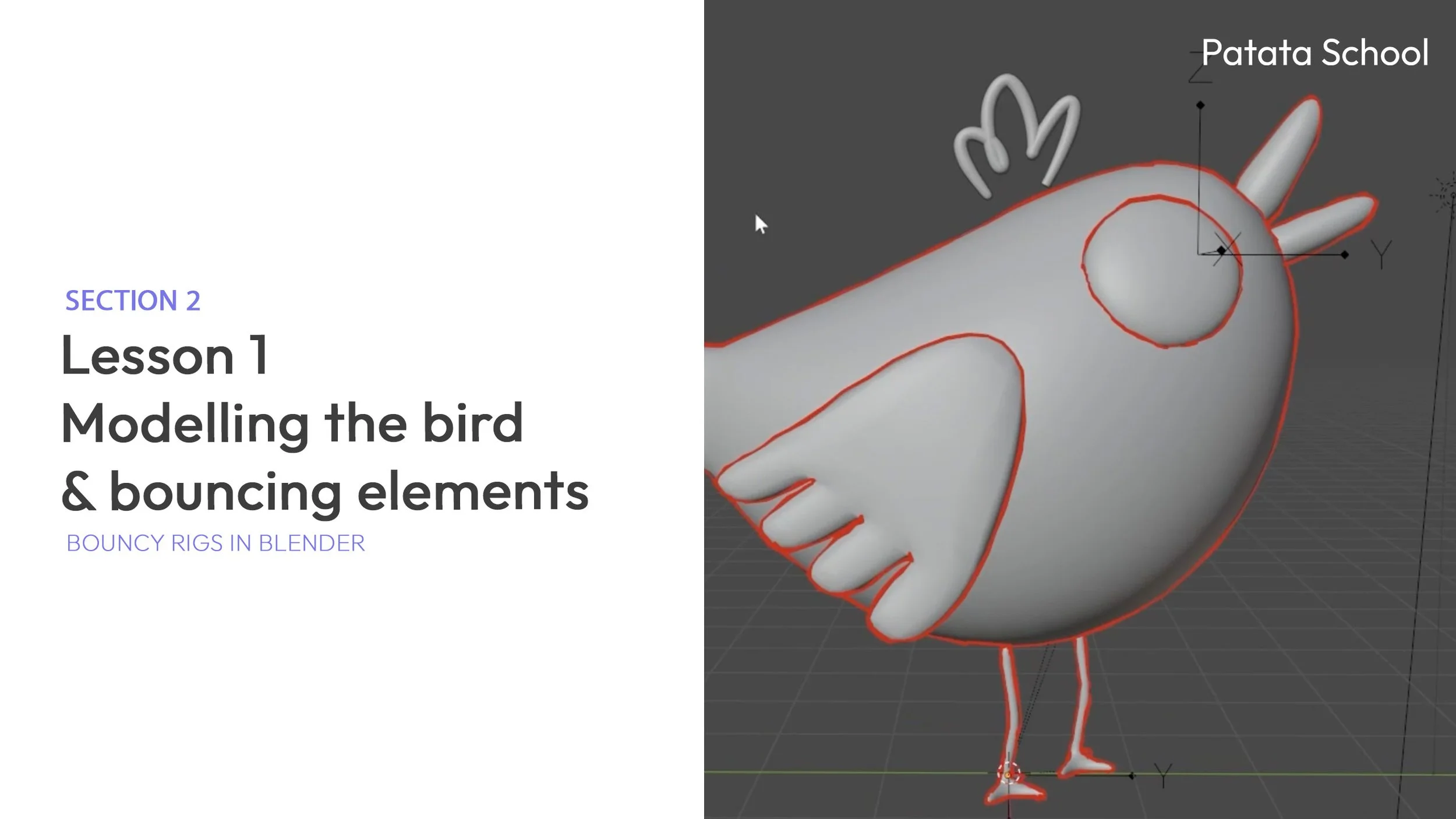
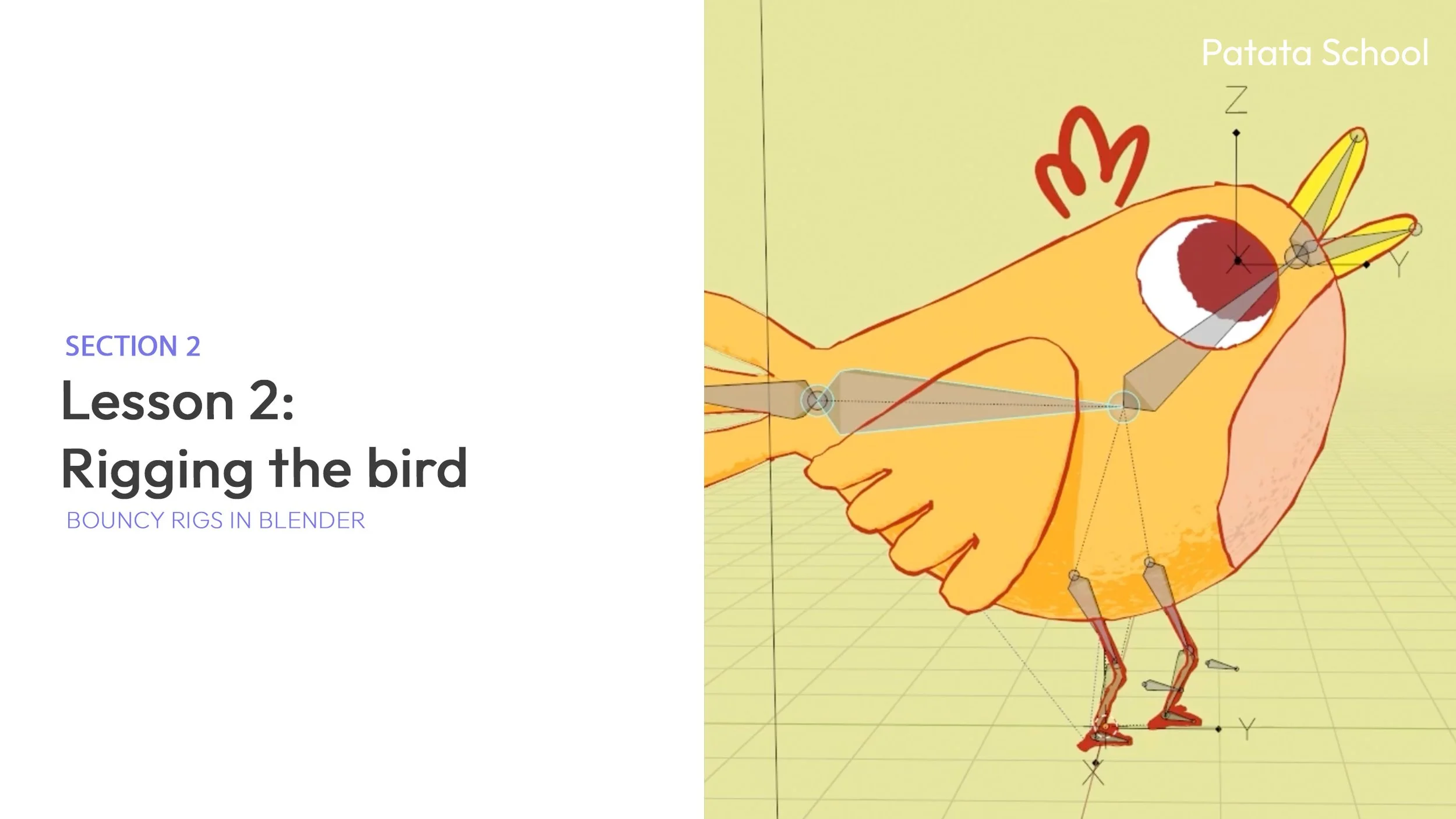
Complete Project: Model, color, and rig a bird from scratch as a guided example.
Custom Rigging: Learn to create a full rig starting from a single bone.
Rigging Theory: Understand the principles behind professional rigging.
Bouncy Elements: Apply dynamic motion to parts of the rig for added charm.
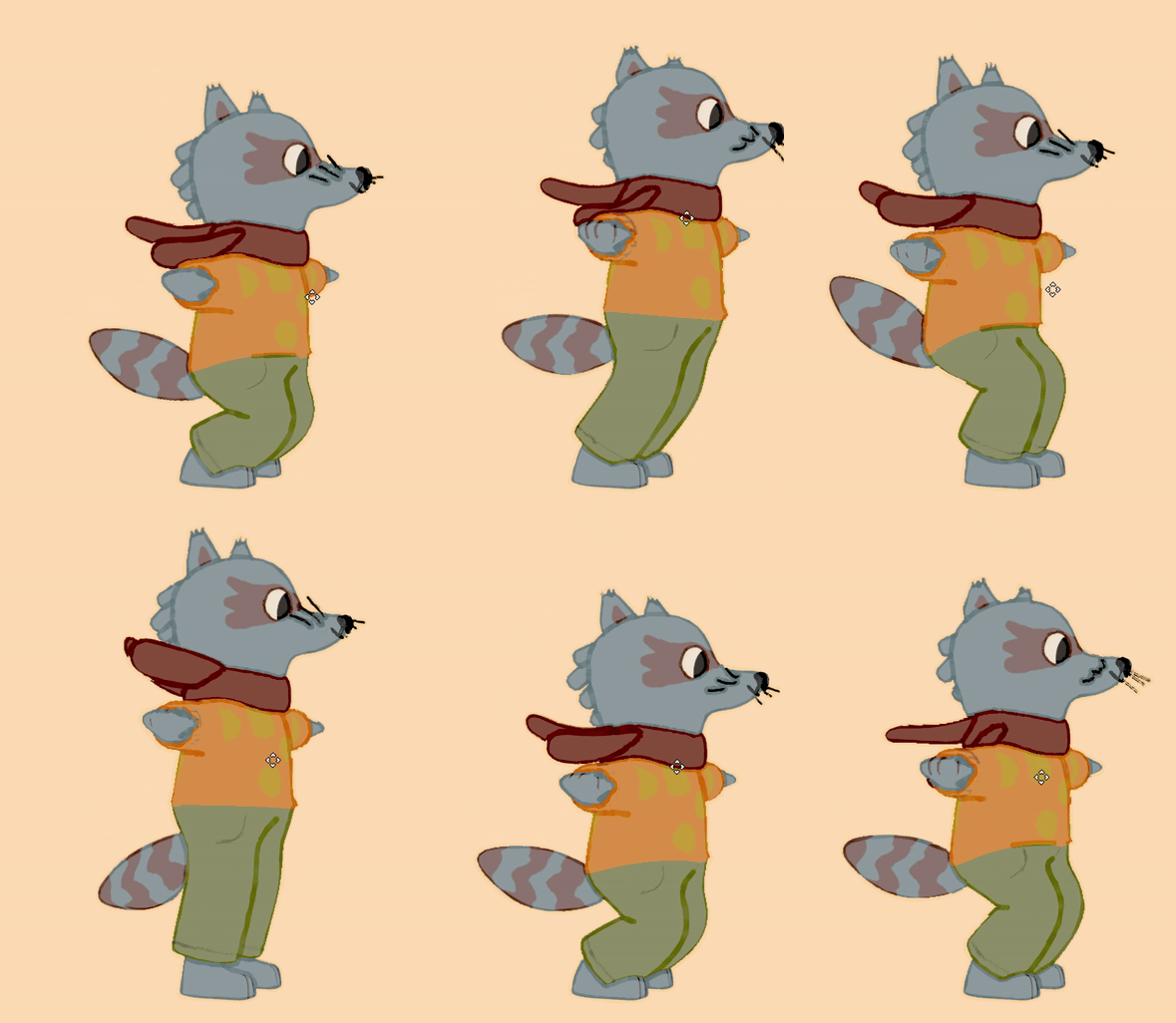
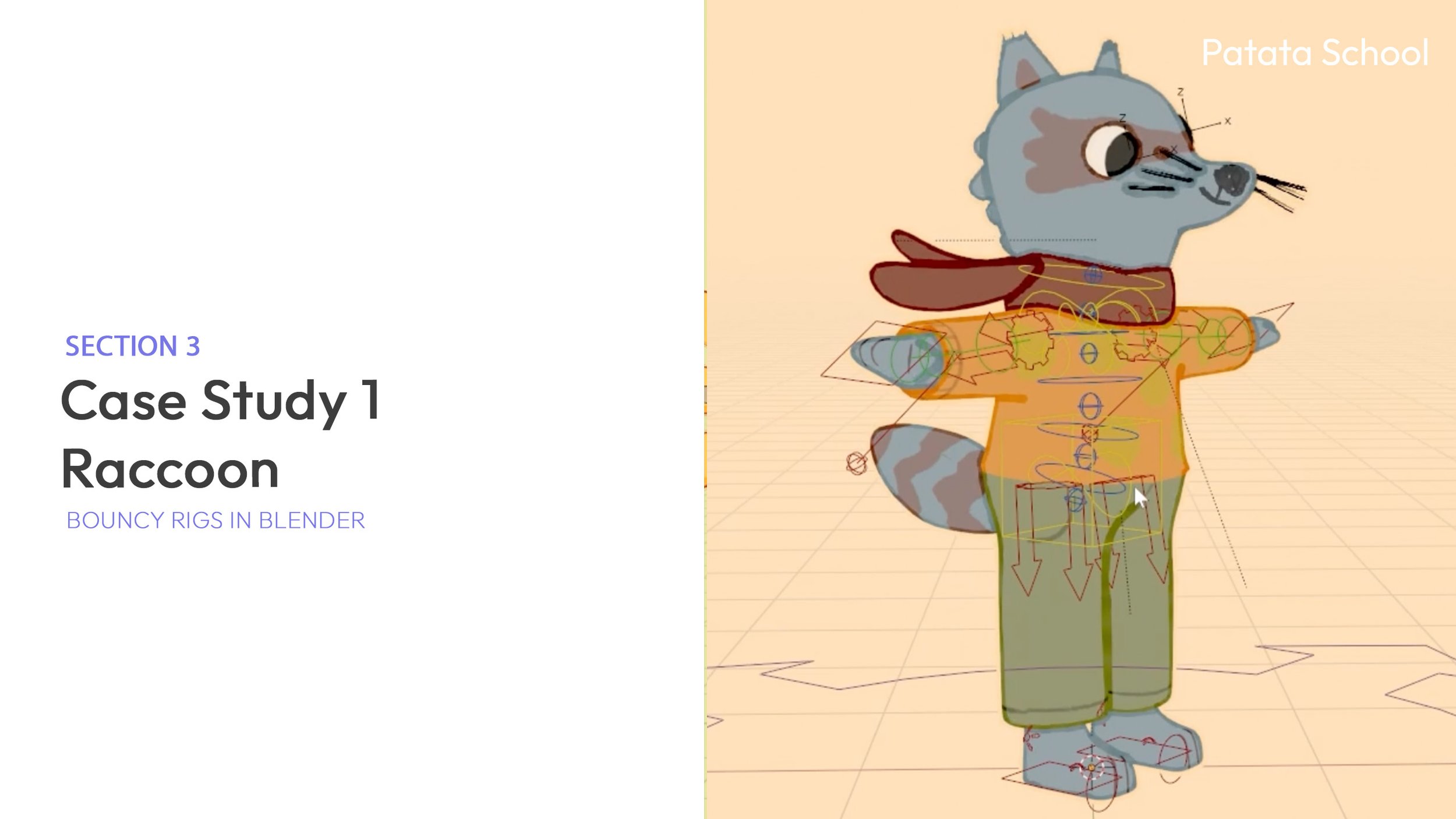
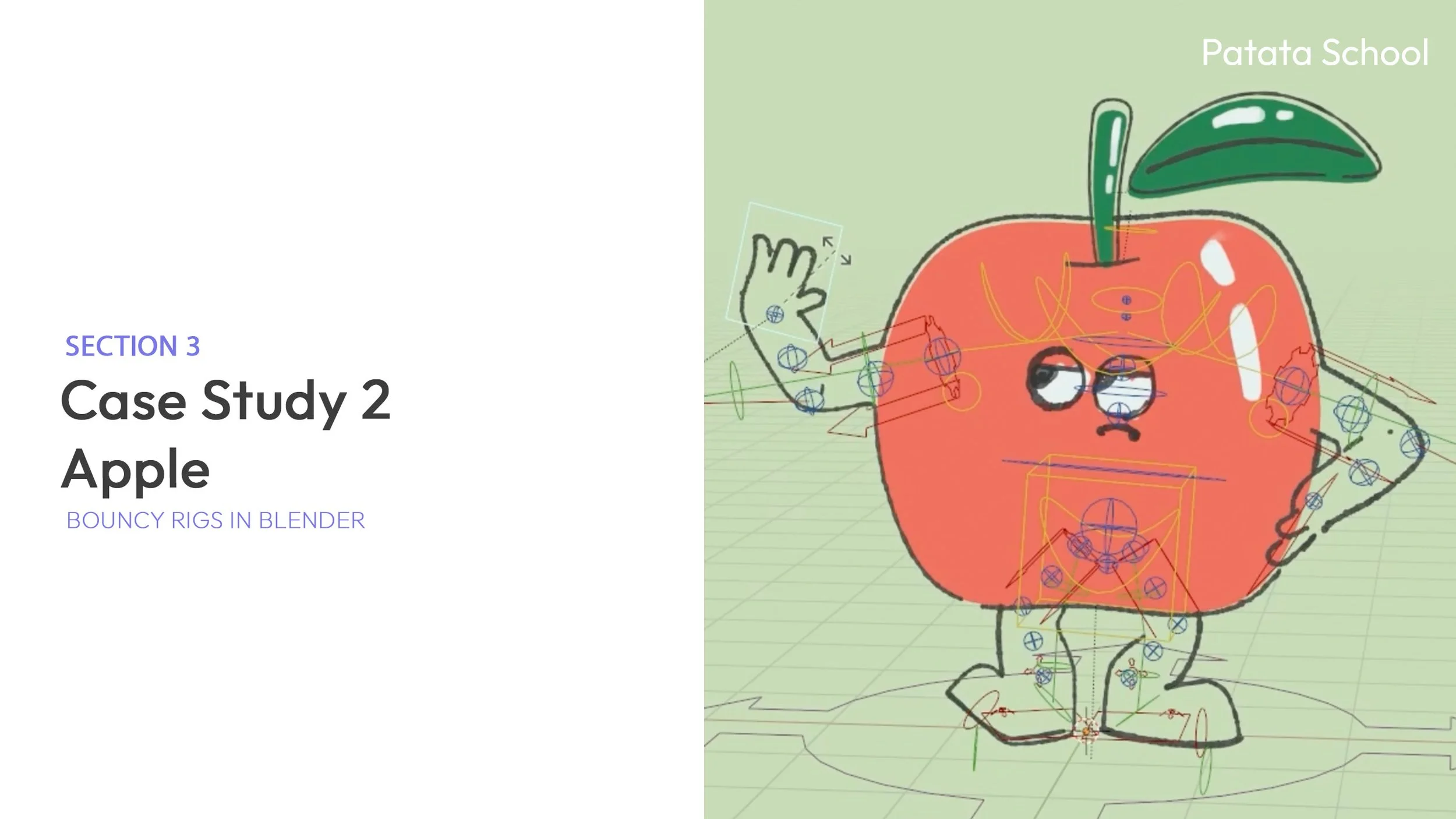
Advanced Techniques: Analyse extra methods through two detailed case studies.
We'll go through each stage step by step and explain the theory behind each process so you'll be able not only to follow along the course, but to really understand each step to create your own unique bouncy rig in Blender.